
Create Video Pins on Pinterest using Conent Studio
Follow the steps below to post a video to your Pinterest board successfully.
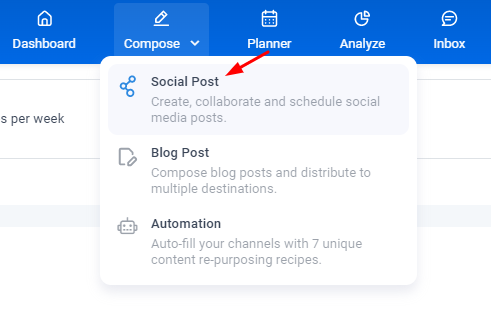
1- Go to Composer>social post to start composing a post to your social media account.
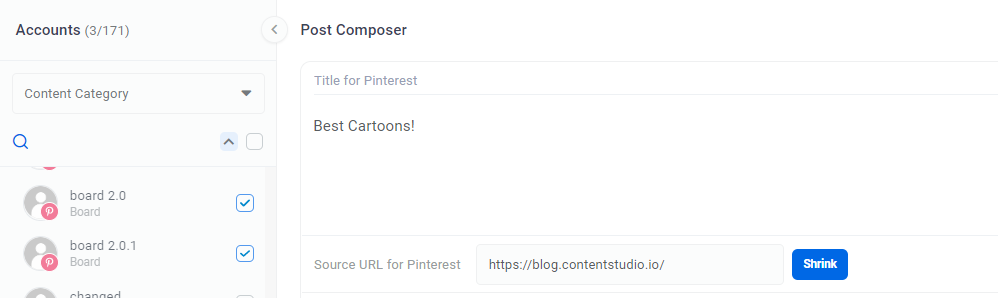
 2- In the composer, select the Pinterest board(s) you wish to post to
 3- Use the text editor box to type in the Pin description and add a source URL for Pinterest if you have one.
4- Add desired video file that you want to upload.
 5- Preview your post from the right panel by clicking on the Preview tab. You can select whether to preview the post as it will be seen in the MobileApp or on your Desktop.

6- You can proceed to the next step, Scheduling & Posting.
