
How to tag public pages in captions?
Caption tagging lets you mention public pages or company profiles directly in your post’s text. When published, these mentions turn into clickable links that lead to the tagged page’s official profile. This is a great way to increase engagement and give proper credit to pages you reference.
Supported Platforms
- Facebook: Public Profiles / Pages only (not personal profiles or groups)
- LinkedIn: Company pages only
- Bluesky: Public profiles
In this article:
What is caption tagging?
Caption tagging allows you to mention public pages or company profiles directly in your post’s text. When published, the mention becomes a clickable link that leads to the tagged page’s profile on the respective platform.
How to tag public pages
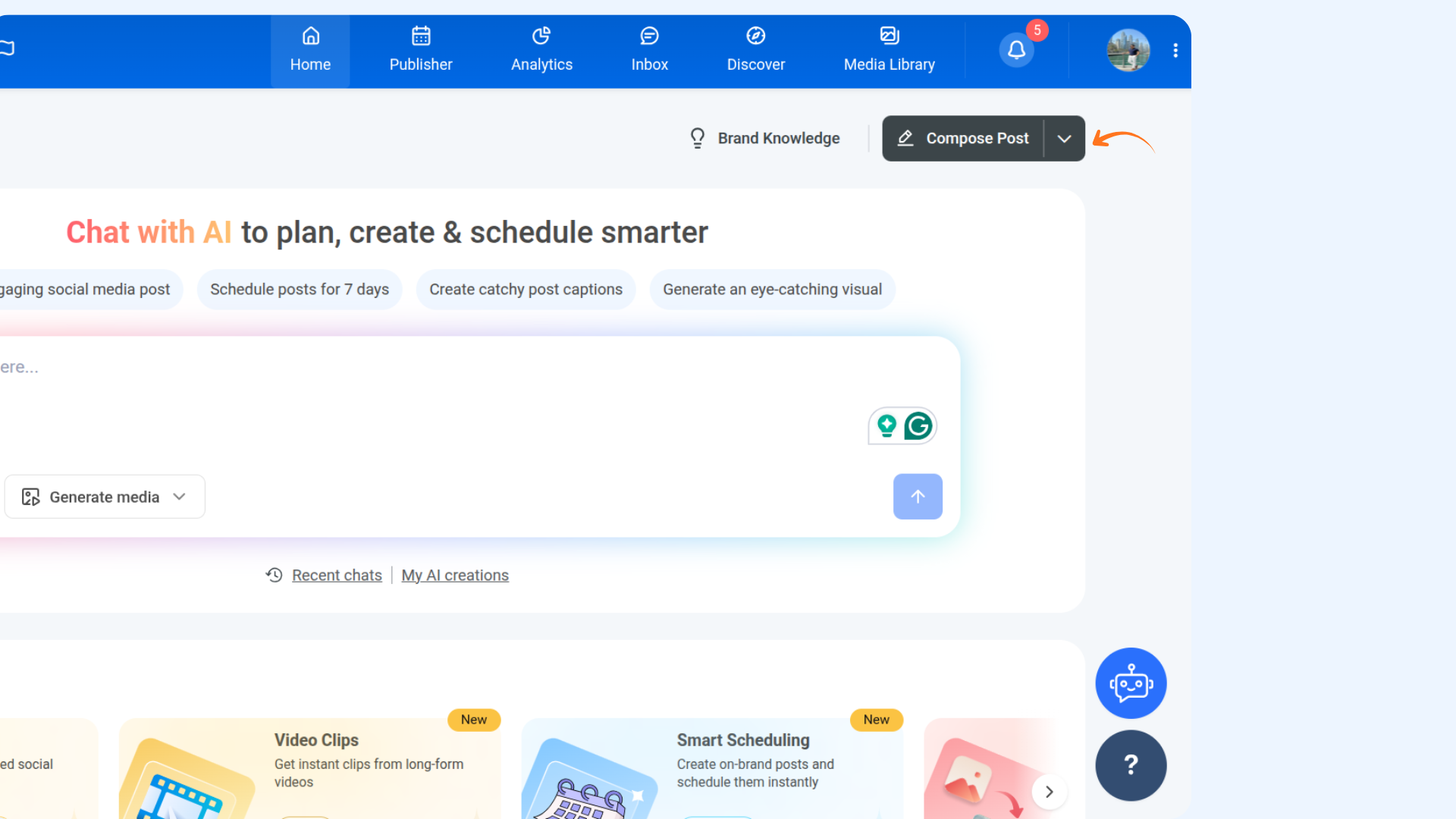
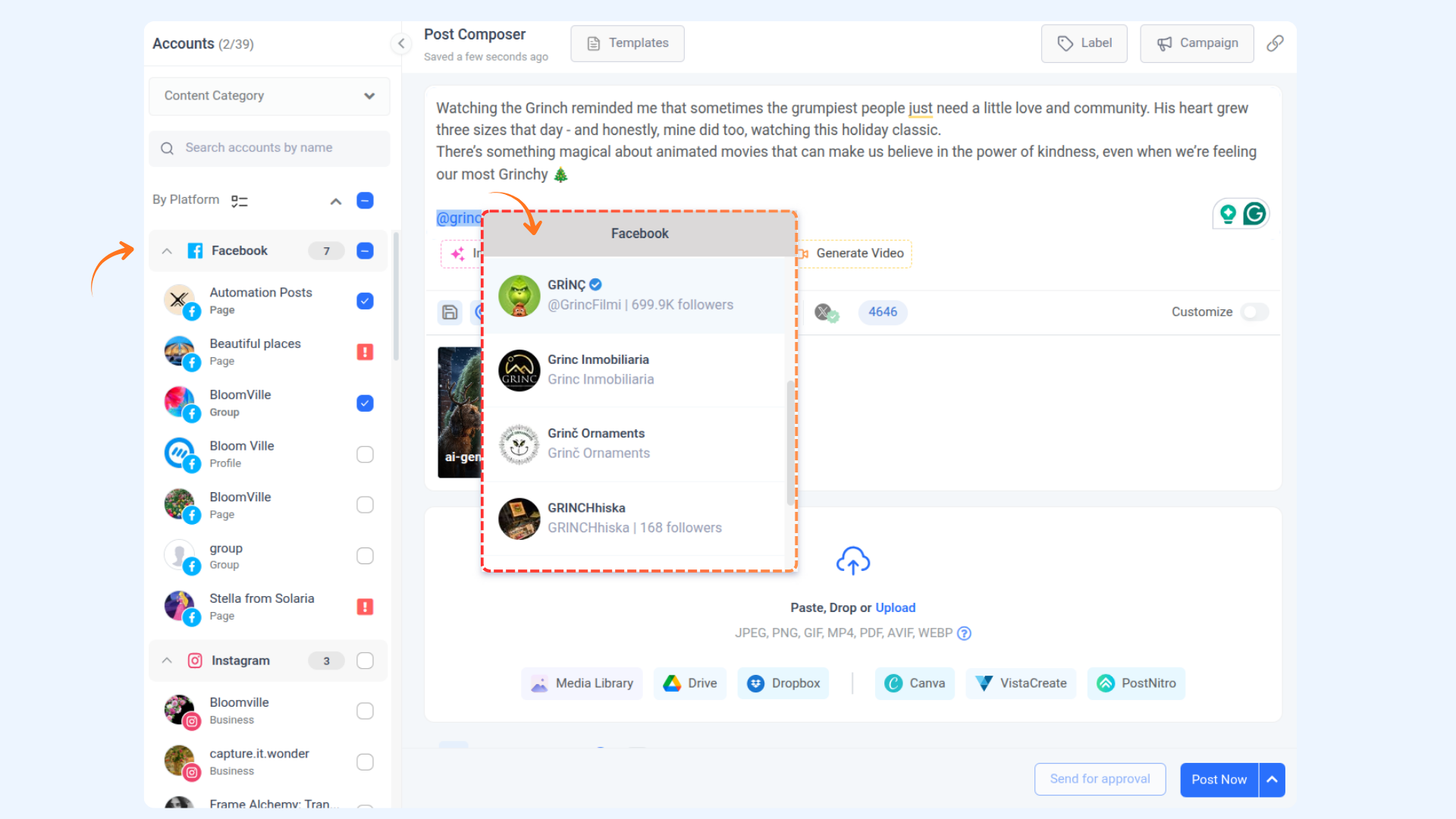
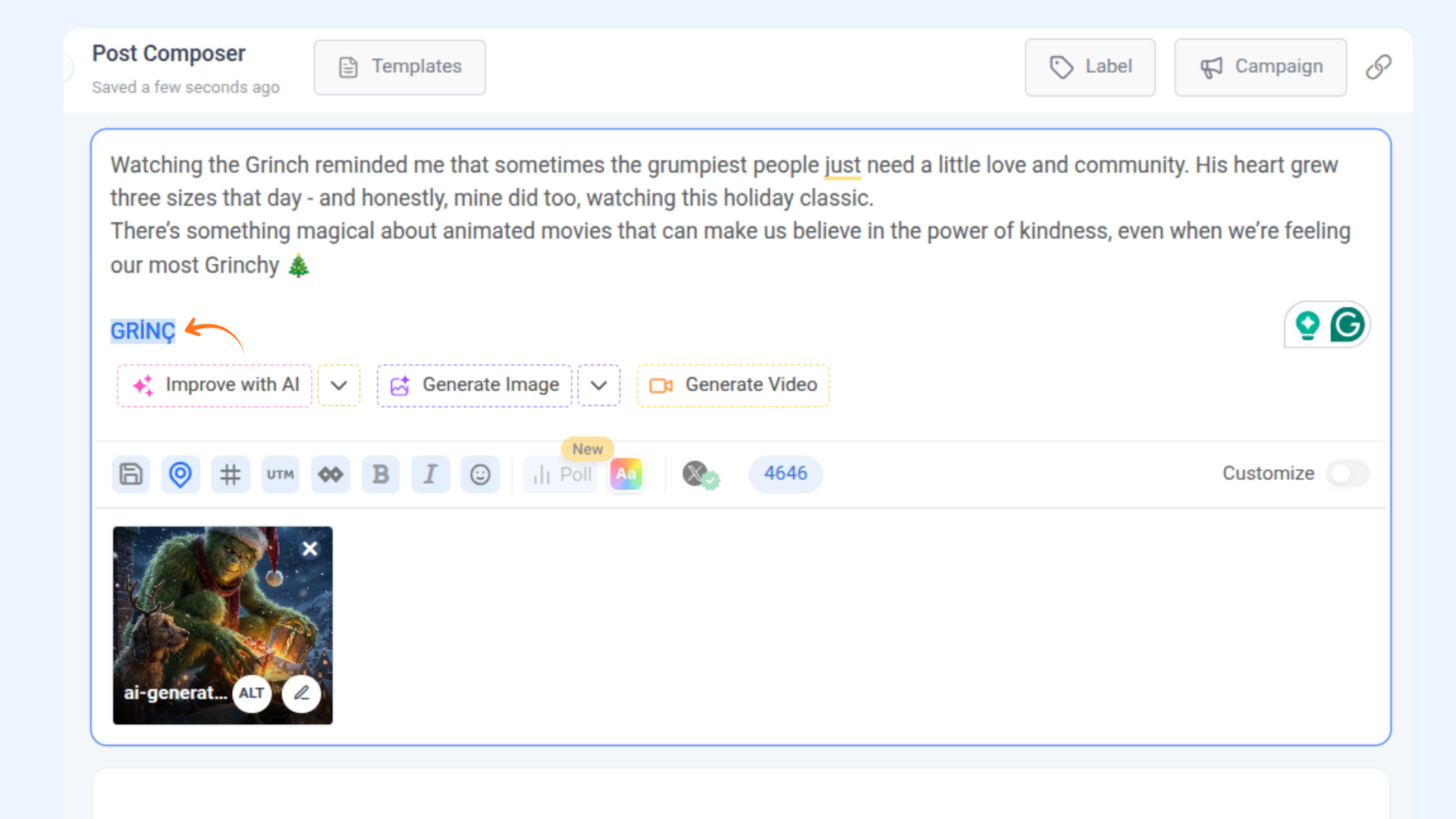
Tag behavior by platform
| Platform | Tag Type | How it works |
|---|---|---|
| Page/Profile mention | Auto-link to the official public Page/Profile | |
| Company page mentions | Links to Company Page | |
| Bluesky | Public profile | Make the tags visible and clickable for all users |
⚠️ You cannot tag personal profiles, groups, or private pages.
- Always select the page from the dropdown (don't type the full name manually).
- Ensure the page you want to tag is public and officially recognized on the platform.
- If tagging doesn’t work, double-check that the platform and account type are supported.
FAQs
Q1: Can I tag people or private profiles?
A: No, tagging is only supported for public pages (e.g., brand or company profiles).
Q2: Will the tag appear as a clickable link in the final post?
A: Yes, on supported platforms (Facebook, LinkedIn, Bluesky), tags will be clickable once published.
Q3: Why don’t I see a dropdown when I type @?
A: Make sure you’re tagging on a supported platform. The dropdown will only show for Facebook Pages, LinkedIn Companies, and Bluesky profiles.