

How to post multiple images as carousel on LinkedIn
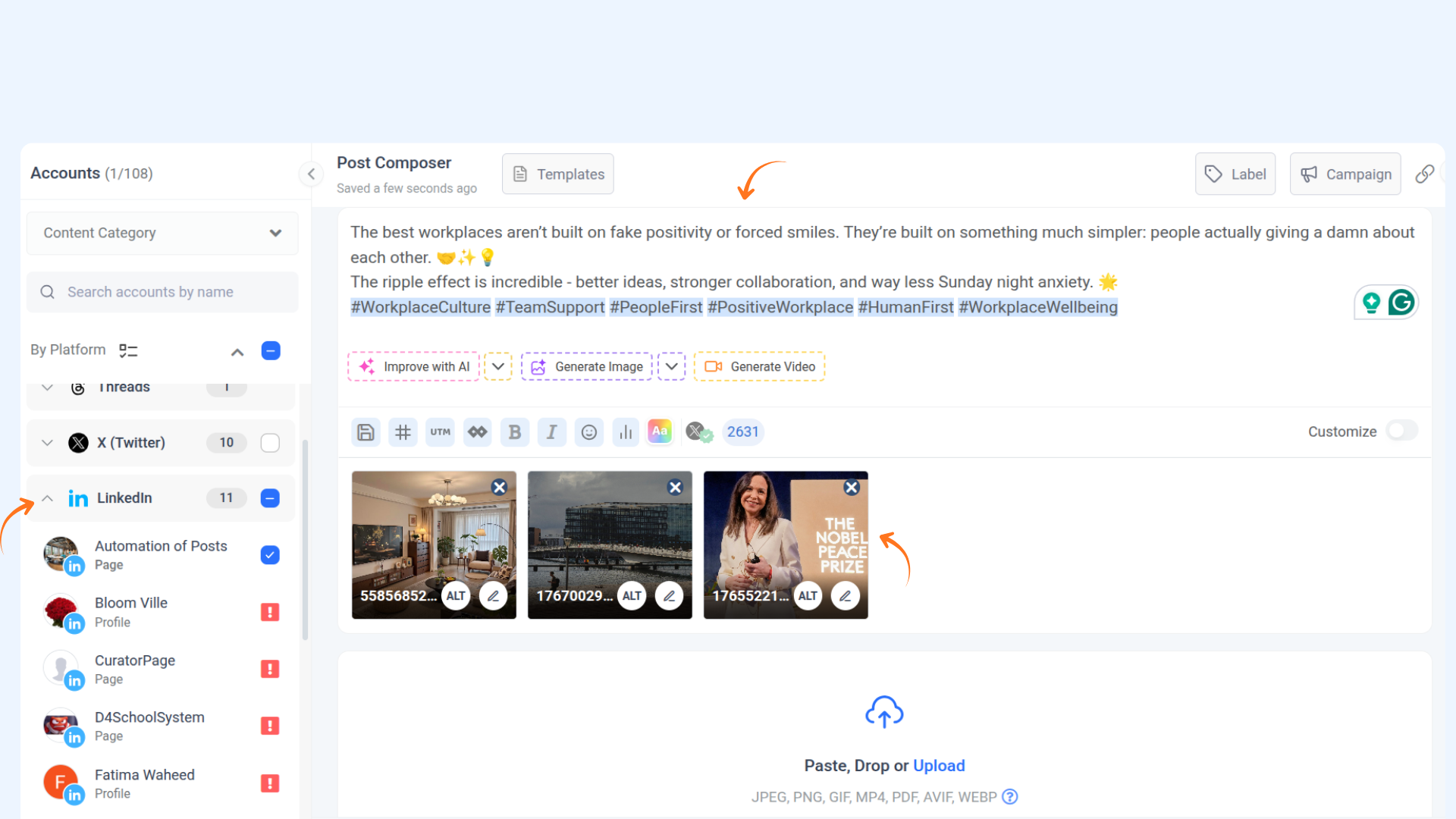
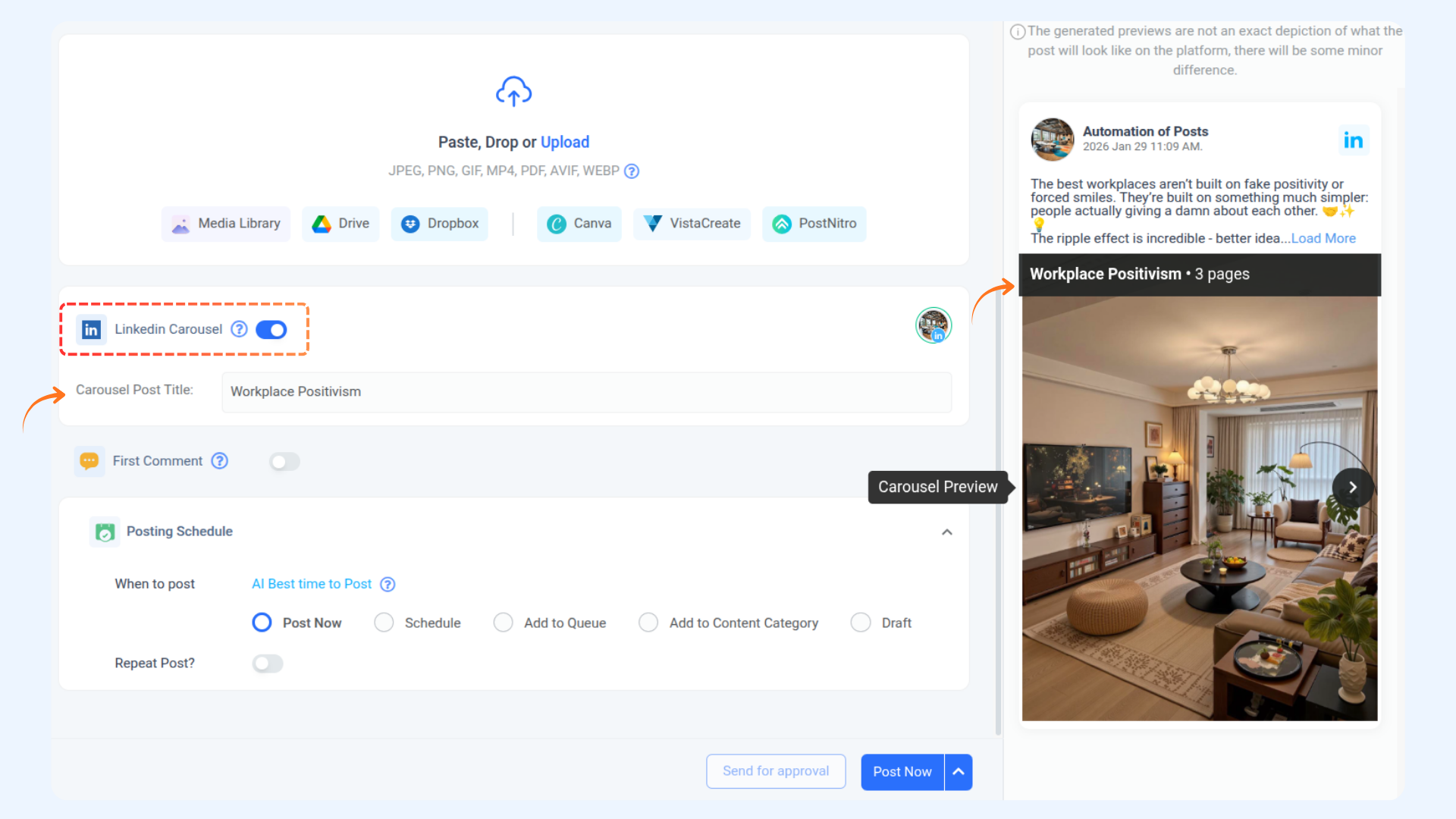
LinkedIn carousel posts let you showcase multiple images and text in a single, swipeable format, creating a dynamic and engaging experience for your audience. Ideal for storytelling and boosting organic reach, carousel posts can be used on LinkedIn Pages and Profiles.
This guide covers setup steps, key dimensions, and FAQs to help you maximize this feature.
Let us get in 💥
In this article:
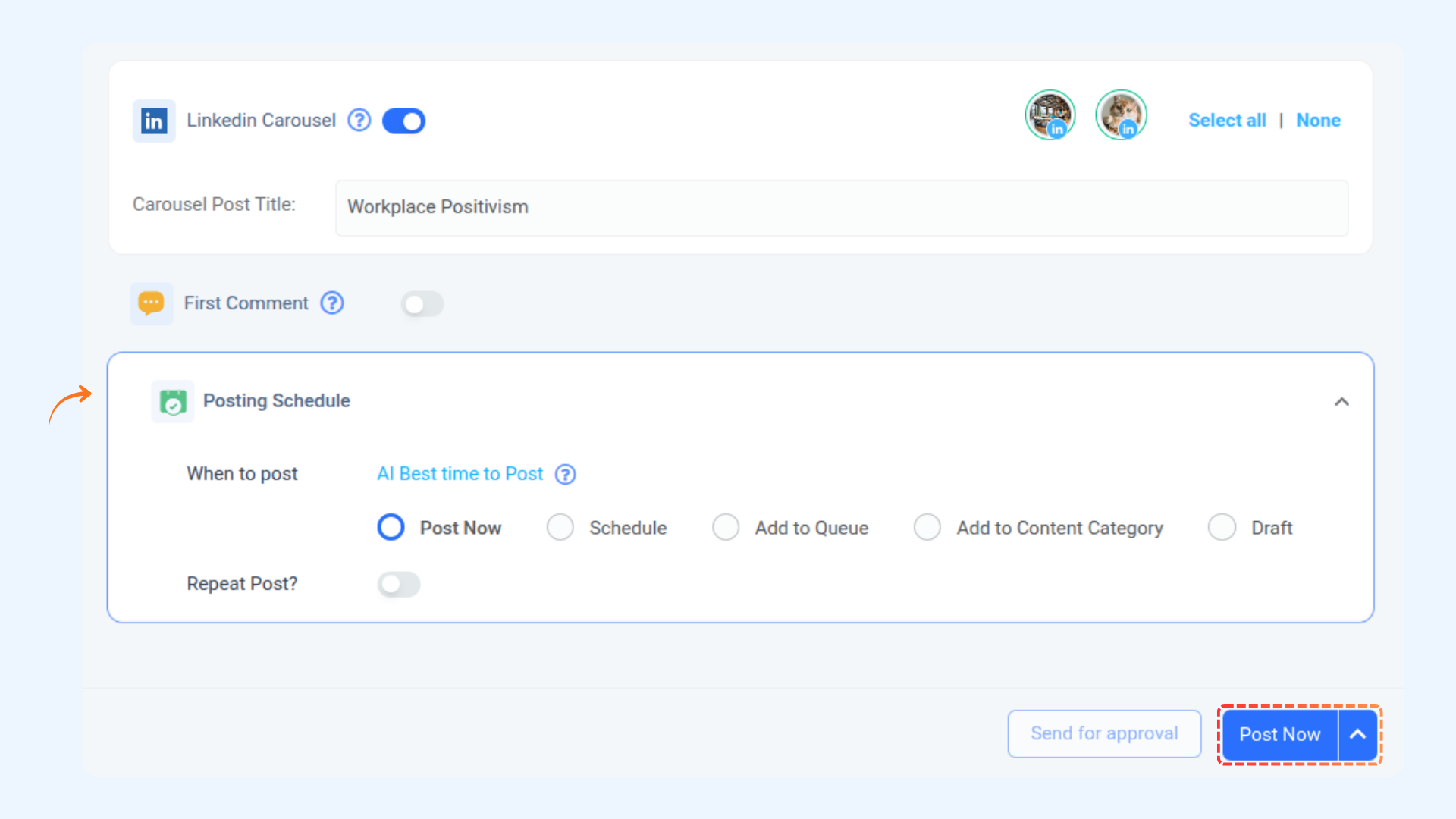
Step-by-step process

FAQs
Q1: Can I post a carousel on both LinkedIn Pages and Profiles?
A: Yes, you can create and post LinkedIn carousel posts on LinkedIn Pages and Profiles.
Q2: Are there any limits to the number of images I can add to a LinkedIn carousel post?
A: LinkedIn allows you to add up to 20 images per carousel post, making it ideal for sharing multiple slides or visual storytelling.
Q3: Do LinkedIn carousel posts support video files?
A: No, currently, only LinkedIn carousel posts support static images. You can use JPG, PNG, or non-animated GIFs, but video files are not supported.
Was this article helpful?