

AI-powered caption generation
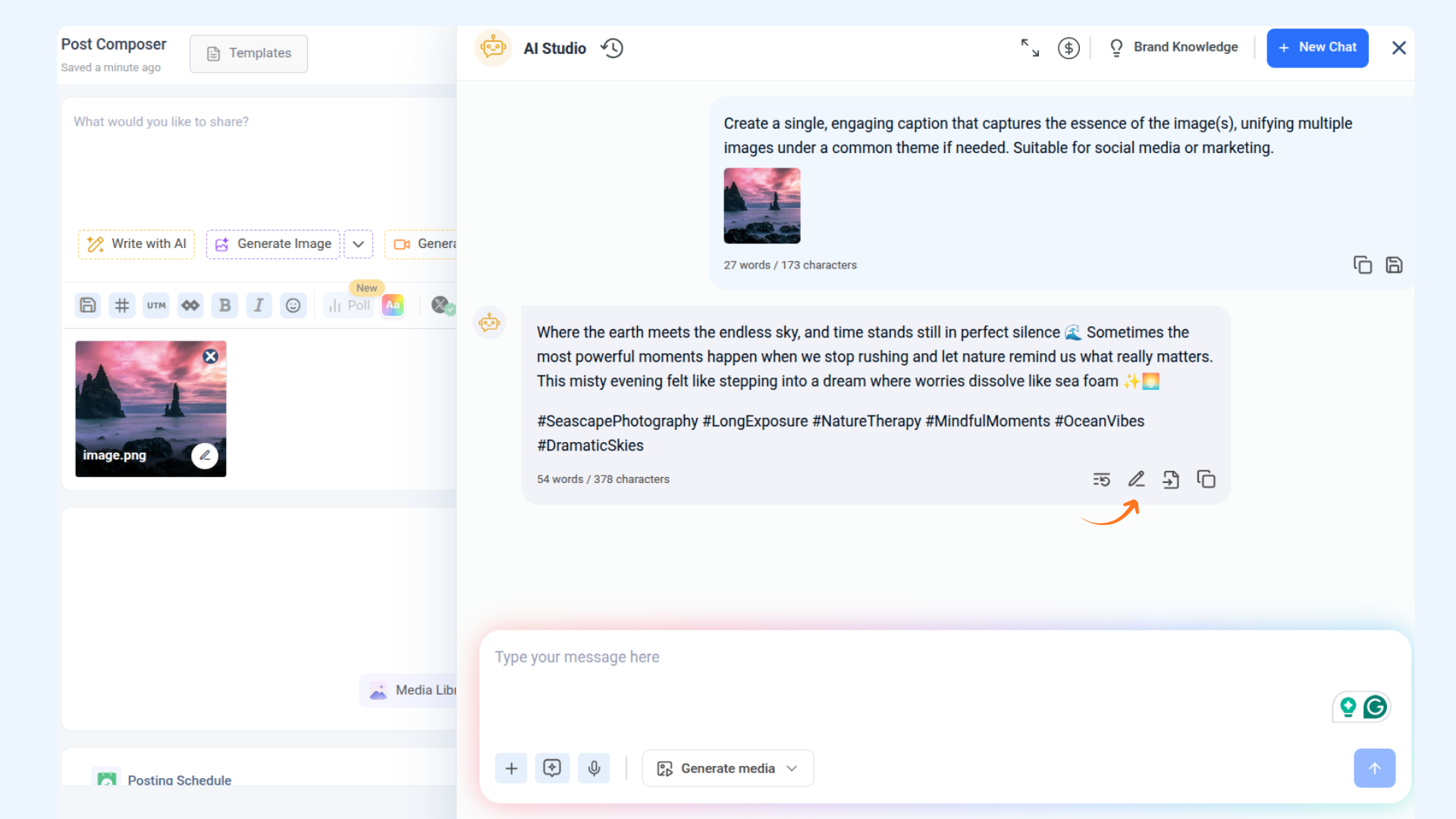
Streamline your workflow by leveraging AI to analyze images and generate relevant content. Whether you need to extract text, summarize key details, or create captions, AI can help you quickly transform visual information into meaningful text. This guide will walk you through how to process images effortlessly within the platform, ensuring a seamless content creation experience.
Let us get in! 🙋♀️
In this article
How to generate content from images
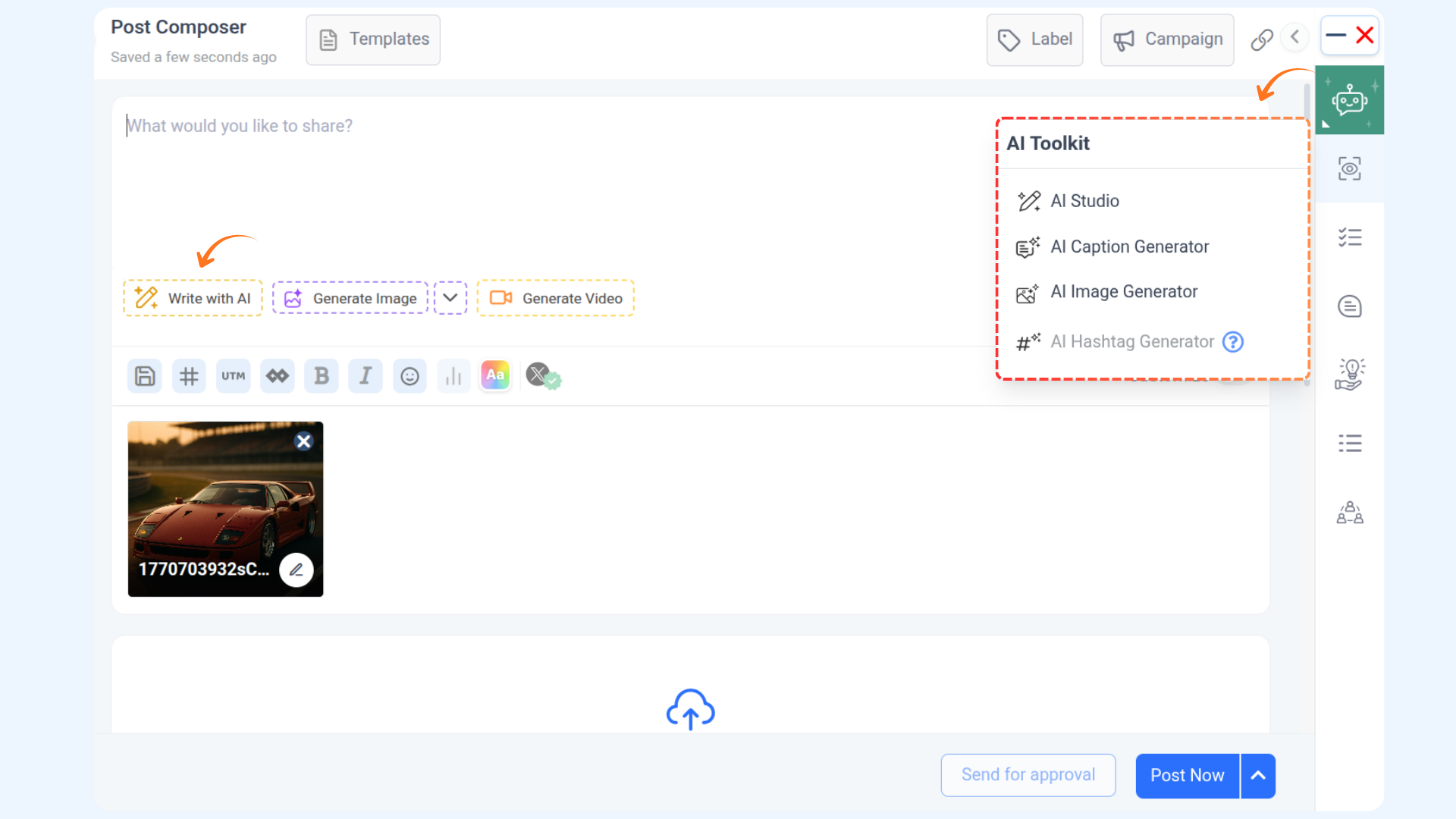
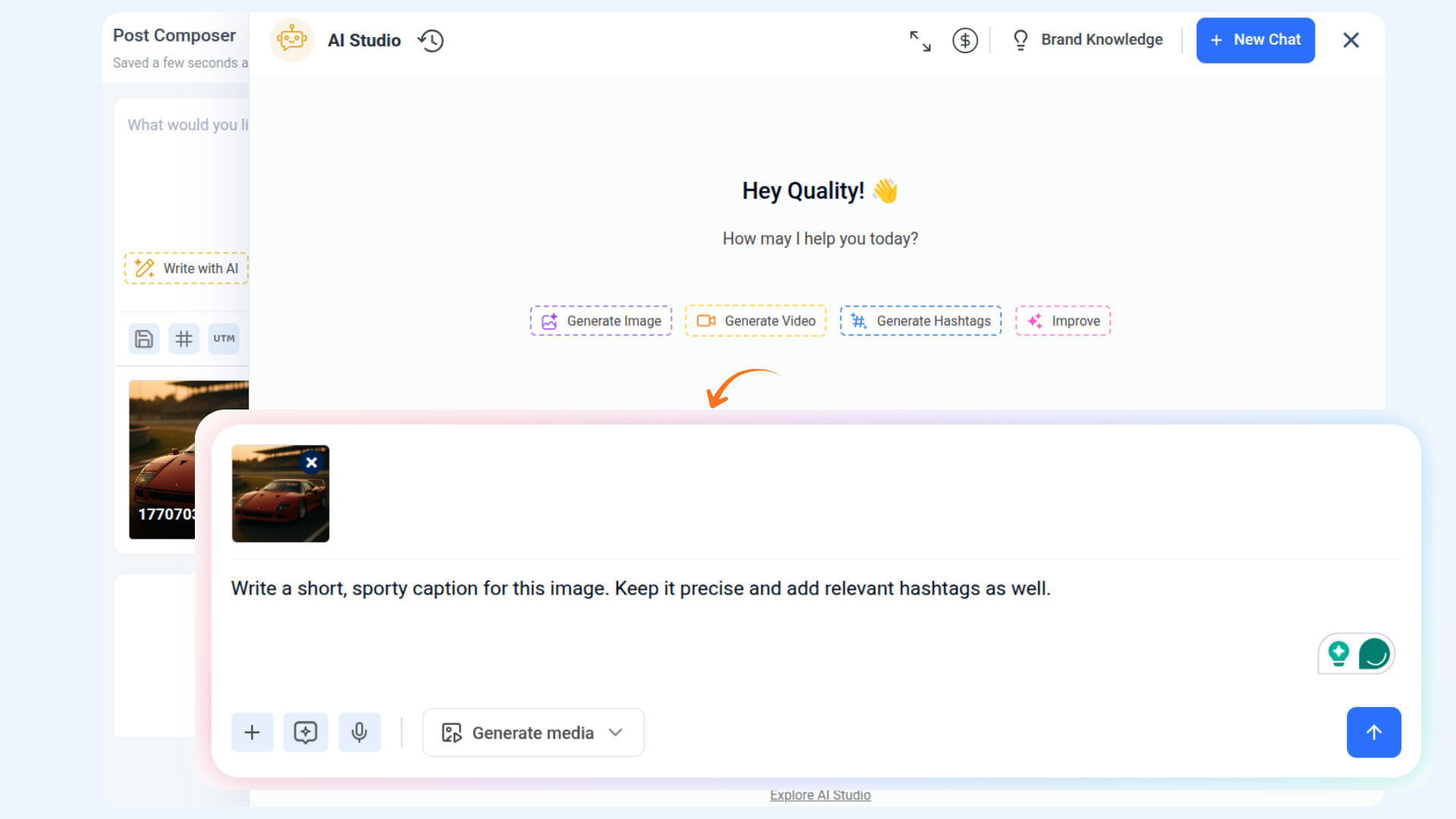
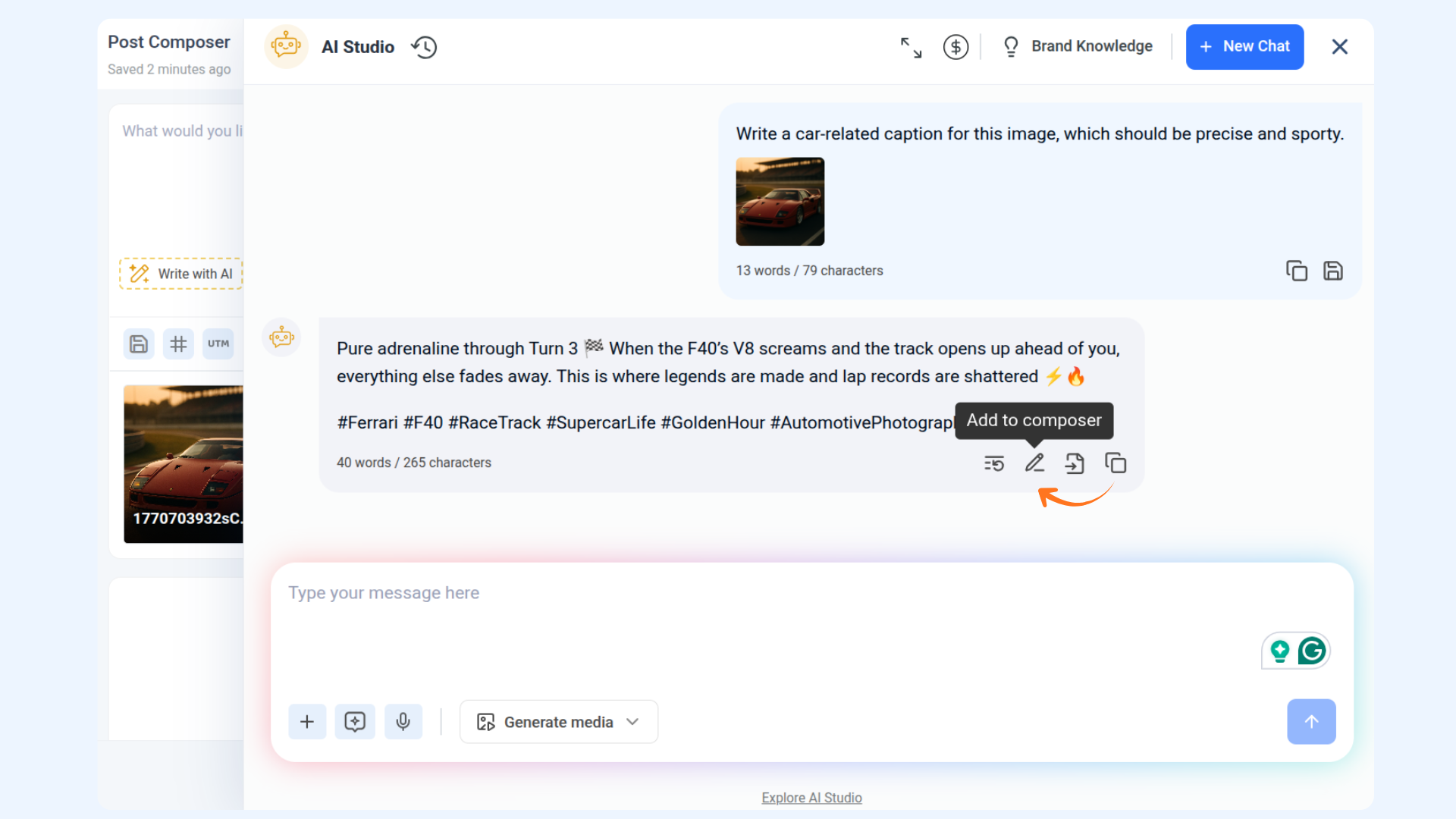
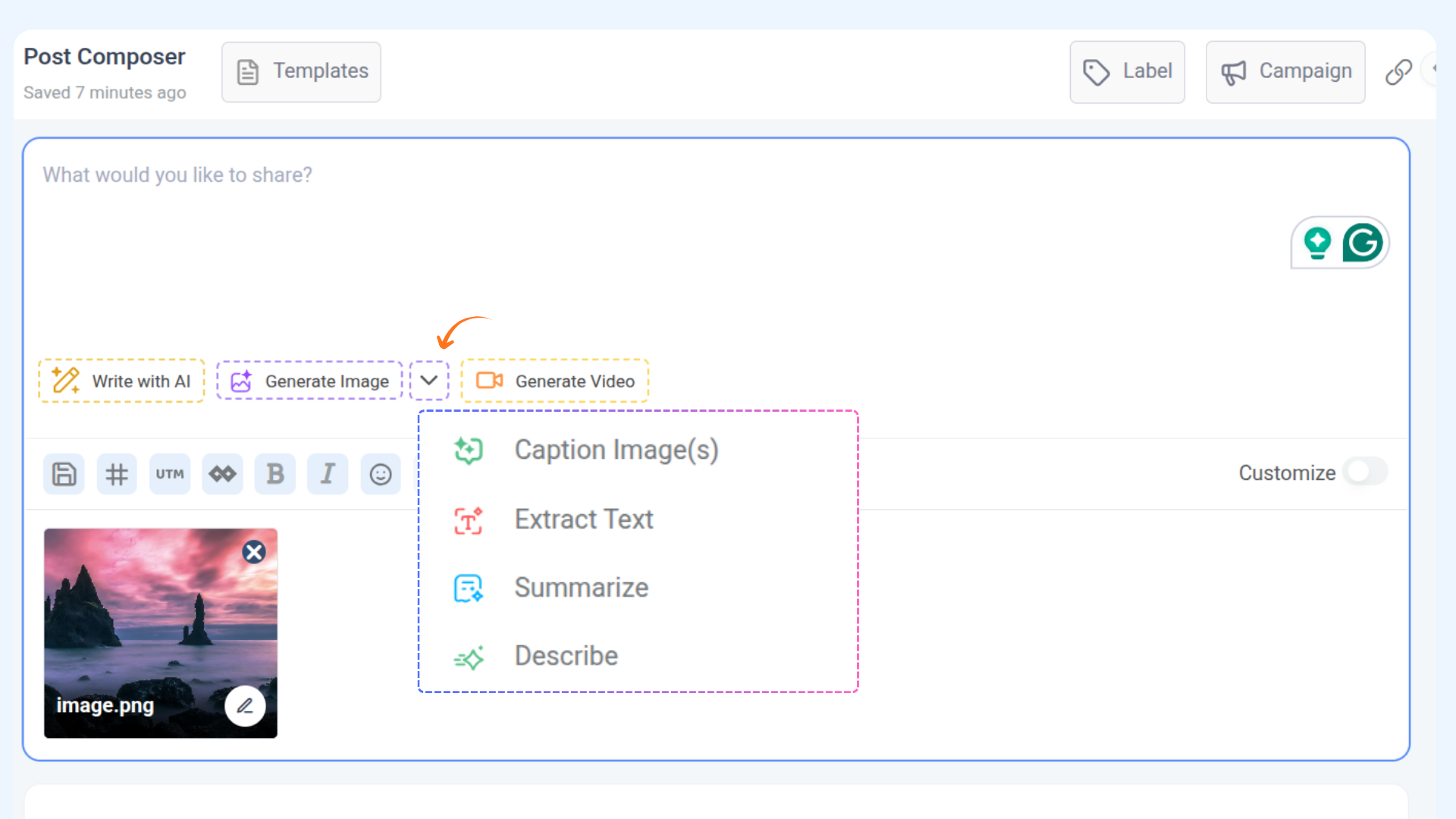
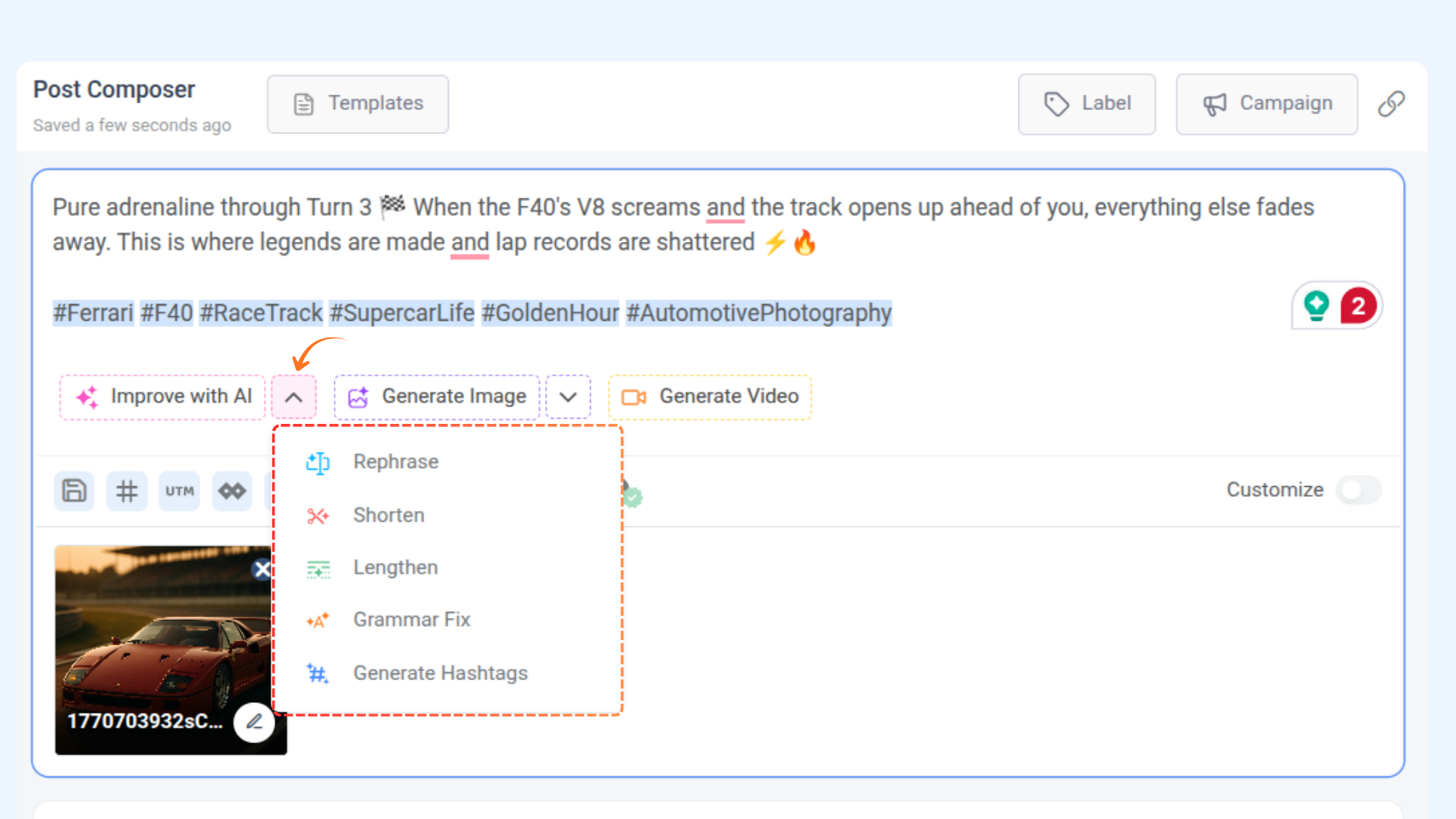
How to use "Caption Image(s) with AI" in the composer
FAQs
Q1: What file formats are supported for image processing?
A: Only image files, such as JPG and PNG, are supported. Other media types, such as videos or GIFs, are restricted.
Q2: Can I upload multiple images at once?
A: Yes, the system supports processing multiple images.
Q3: Can I customize the AI-generated captions?
A: Yes, after AI processes the image, you can edit or refine the generated content to better fit your needs before using it in your post.
Q4: Can I remove the uploaded image before processing?
A: Yes, you can remove the uploaded image by clicking the Remove button on the thumbnail in the chat modal.
Was this article helpful?