

Linkedin Post Failed to Publish
We have listed the reasons for the most common errors that you face while publishing content to LinkedIn and start scratching your head as to why the content did not appear but with errors such as:
Access Token Expired/Member is restricted
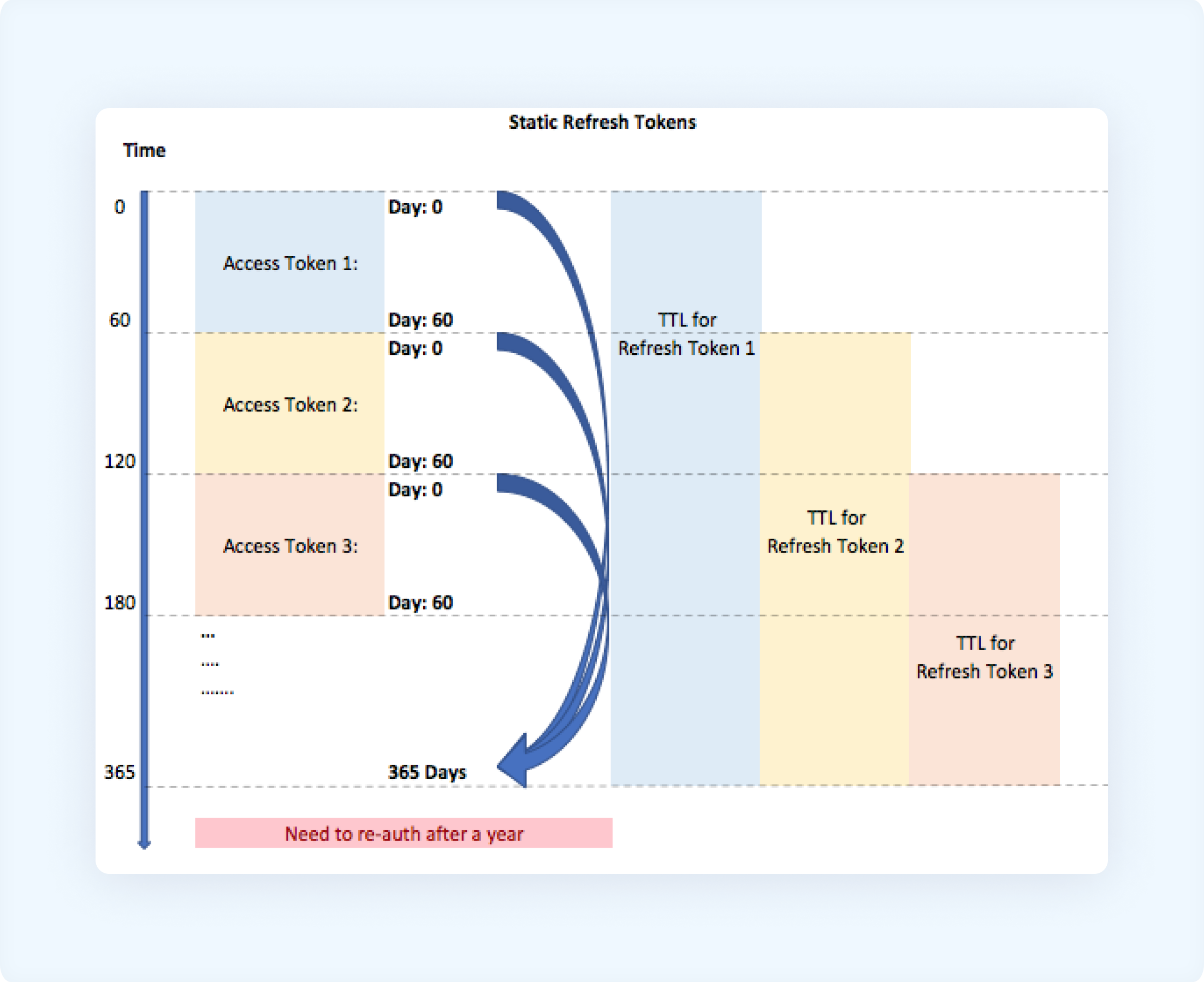
LinkedIn API expires the access token you used for the account connection after 60 days. You will need to reconnect your account to avoid any errors.
If you receive an error message stating that the token used in the request has expired or been revoked by the user, you need to reconnect your account to get the new access token.
LinkedIn Temporary Error
error message: something went wrong while posting on LinkedInSolution
These errors can stem from various issues, including problems with the post's content, media specifications, or technical glitches. To troubleshoot, try refreshing the page, clearing your browser's cache and cookies, or using a different browser.
Was this article helpful?