

Instagram posting failure - No push notifications received
Your Device is Not Registered:
If you integrated Instagram via the web app but haven’t installed the mobile app, your device isn’t registered. Install the ContentStudio mobile application and go to Settings → Profile.
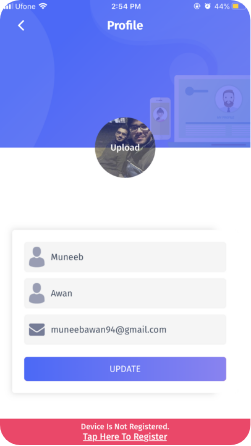
Click on the "Tap Here to Register". Once clicked, your device will be registered.
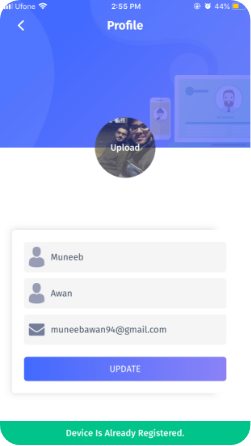
Push Notification Not Enabled on Mobile Device:
Ensure push notifications are enabled for the ContentStudio app.
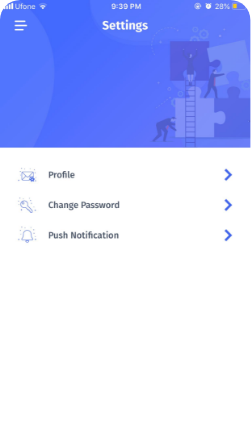
Click on the "Push Notification icon", then select "Notifications".
Now select "Allow Notifications". Once enabled, you will start receiving notifications on your mobile device.
Device Changed Due to Reinstall:
If you uninstall and reinstall the app from Apple Store or Google Play, your device ID changes. You must repeat Step 1 to re-register your device.
Device Not Registered Error:
If you face this error, install the ContentStudio mobile app and register it as in Step 1.
Video Guide:
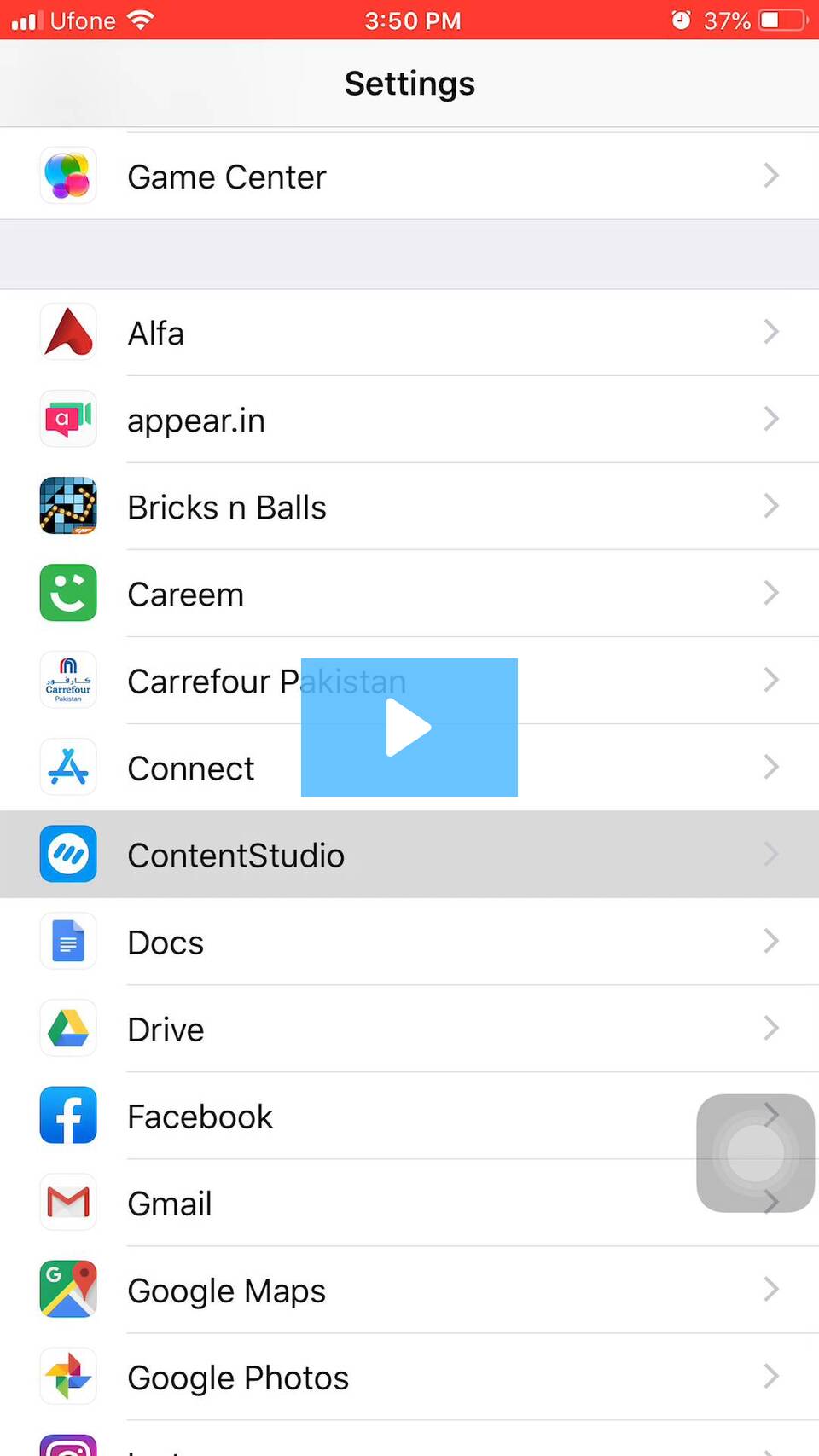
Instagram posting failure - No push notifications received - ContentStudio Help Center
Was this article helpful?