

How to add internal note for Workspaces
ContentStudio enables you to add important notes to your Workspaces, highlighting any significant details for team members. It will help them identify any top-level attribution specific to a workspace.
How to Add Workspace Notes
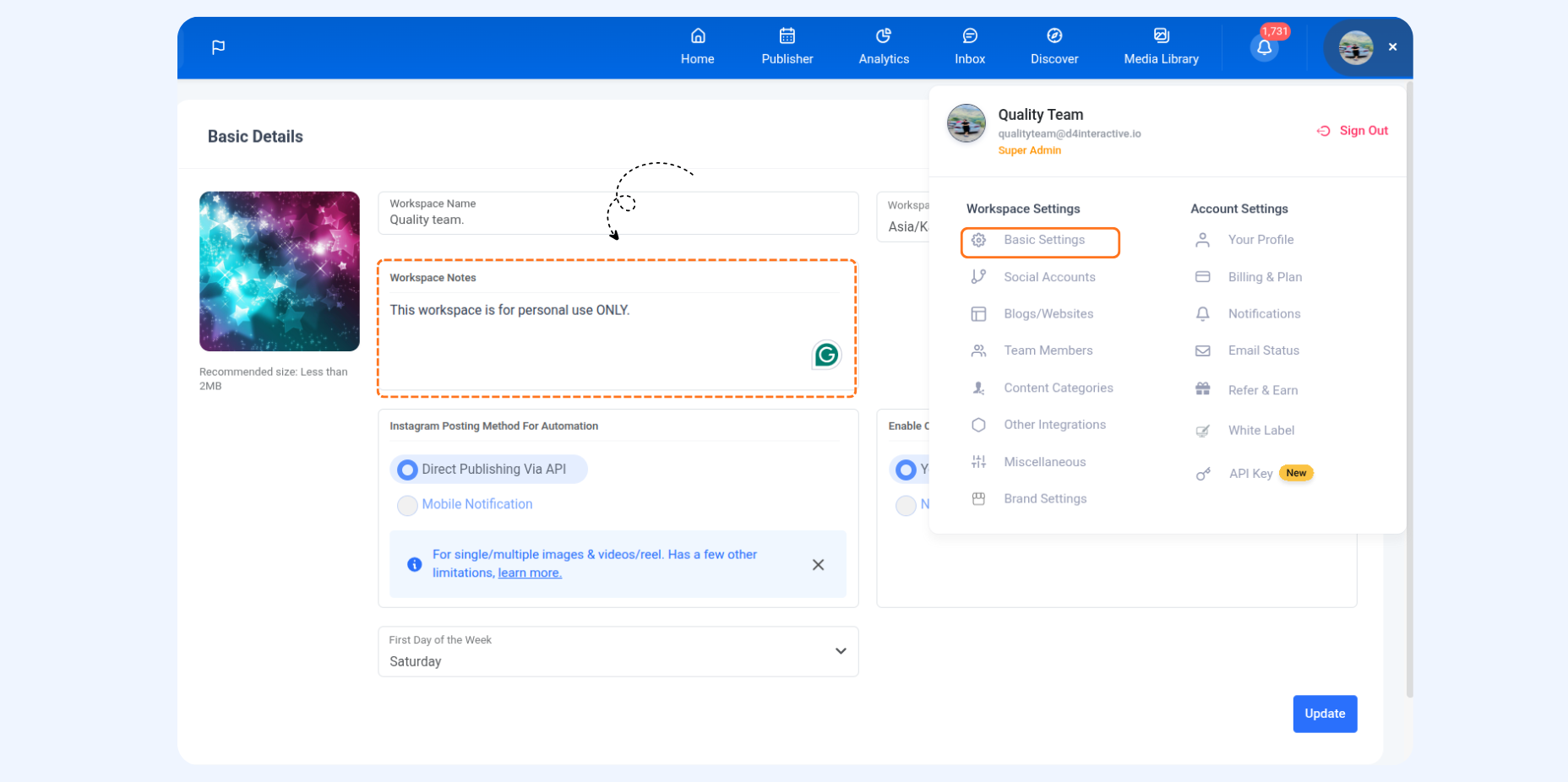
Navigate to Settings → Basic Settings from the top-right corner of your dashboard. On the next screen, you’ll find the Workspace Notes option where you can add any internal note for your team.
Was this article helpful?