

How approver can edit Images and Text
With this new feature, the approval workflow got even better. Previously, you could approve, reject, add comments, mention, and reschedule posts as an approver. But now, approvers can also edit the text and images of the posts.
To learn how to approve or reject a post using Content Studio, follow this doc.
Step 1 — To start the approval process, the super admin or admins need to give you (the approver) permission to edit the post.

Step 2 — Compose your post and click send to approval. On the next screen, select your approver and click send.
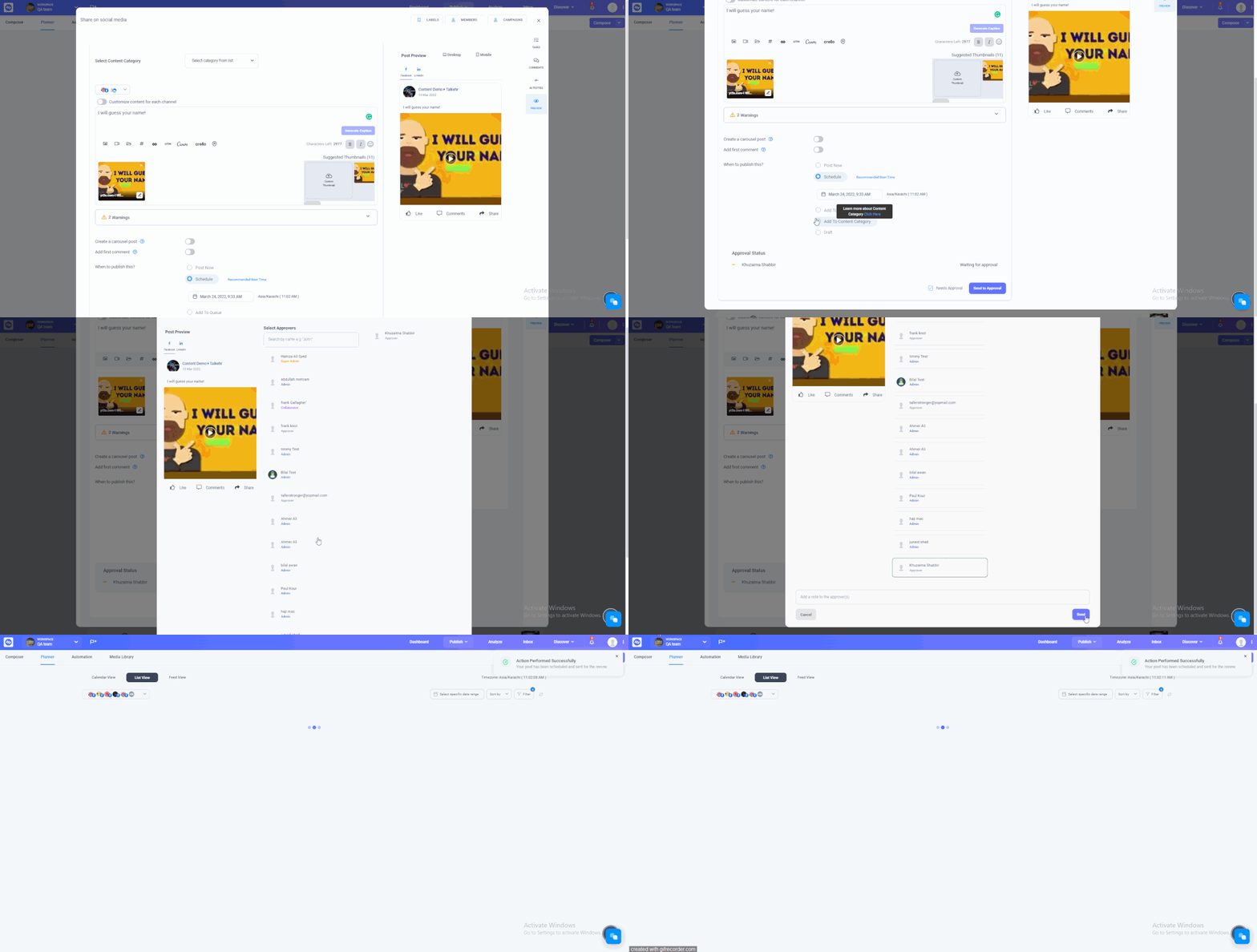
Approver Workflow
Step 3 — Now tap the notification and edit the post. You can edit both the text and image, then click save changes.

Was this article helpful?