

How to paste images and videos from clipboard in Composer
We've just upgraded composer with another exciting feature. Now you can paste images and videos from the clipboard to the composer directly so that you don't need to find images from the system or Media Library and paste them directly.
Follow the steps below to successfully do this in the Composer.
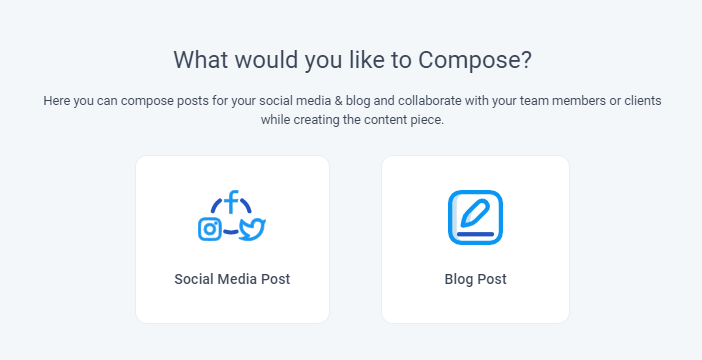
From your dashboard, go to the composer and select social media post.
Select social media platforms and type in text in the composer box.
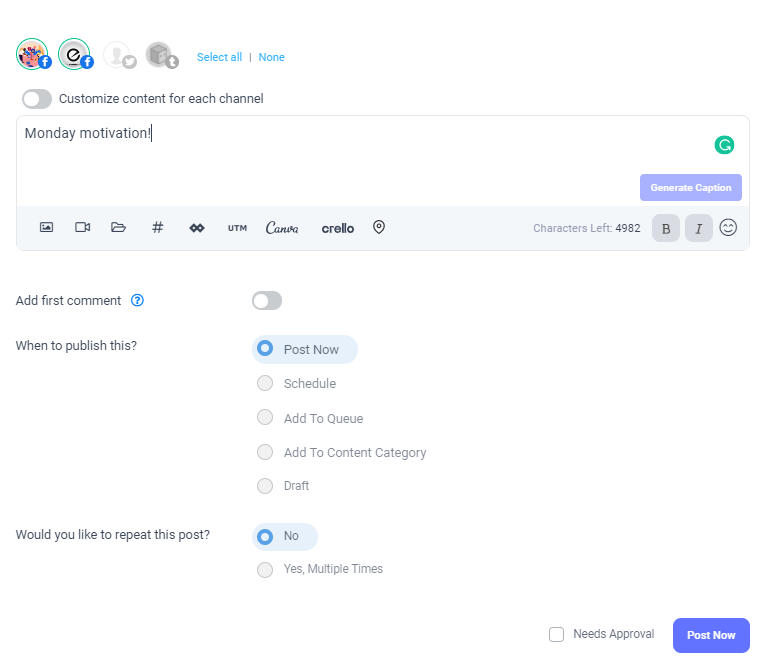
Now paste the already copied to clipboard image, and your image is shown as uploaded, as seen in the image below.

Click on the post now button to continue posting.
Was this article helpful?