

How to Archive Assets in Media Library
With the help of the Media Library Archive Assets feature, now you can preserve the assets of your organization, with the explicit intention that they are useful for some defined uses in the future.
Here are some guidelines to help you understand how you can Archive assets in Media Library:
Step 1: Navigate to Media Library.
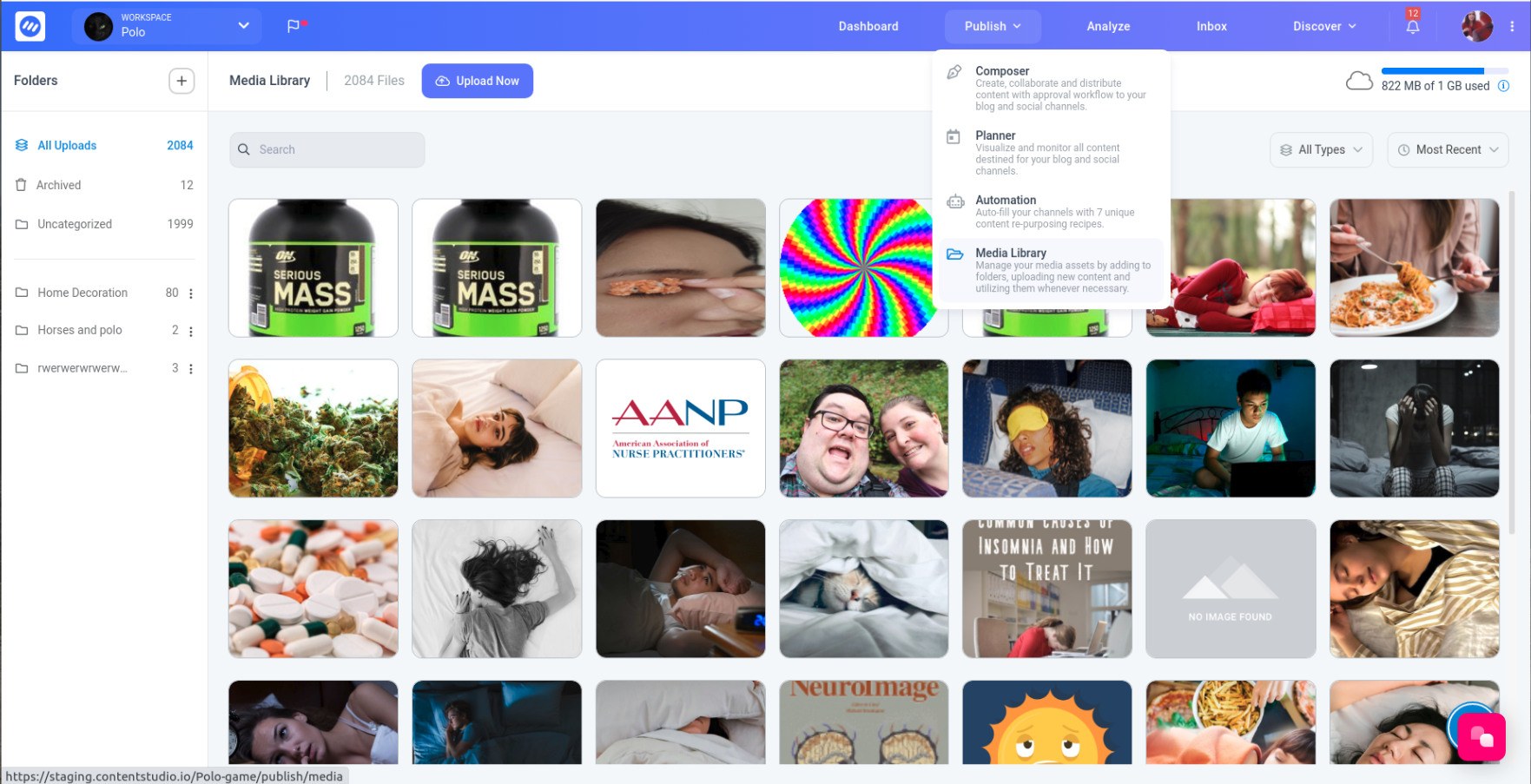
Step 2: Select the Folder with the media assets you want to archive.

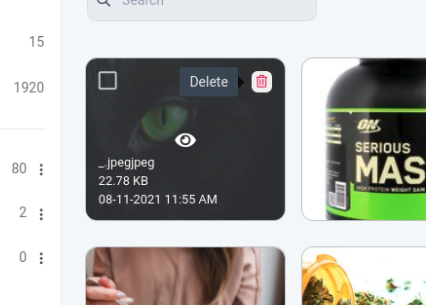
Step 3: Click on the delete button.
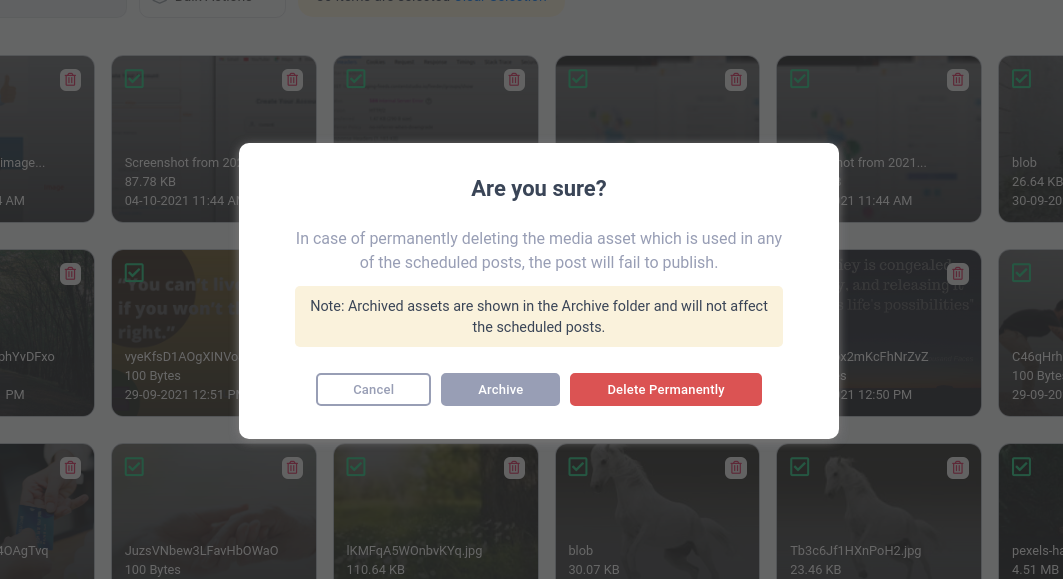
Step 4: Click on the archive button.
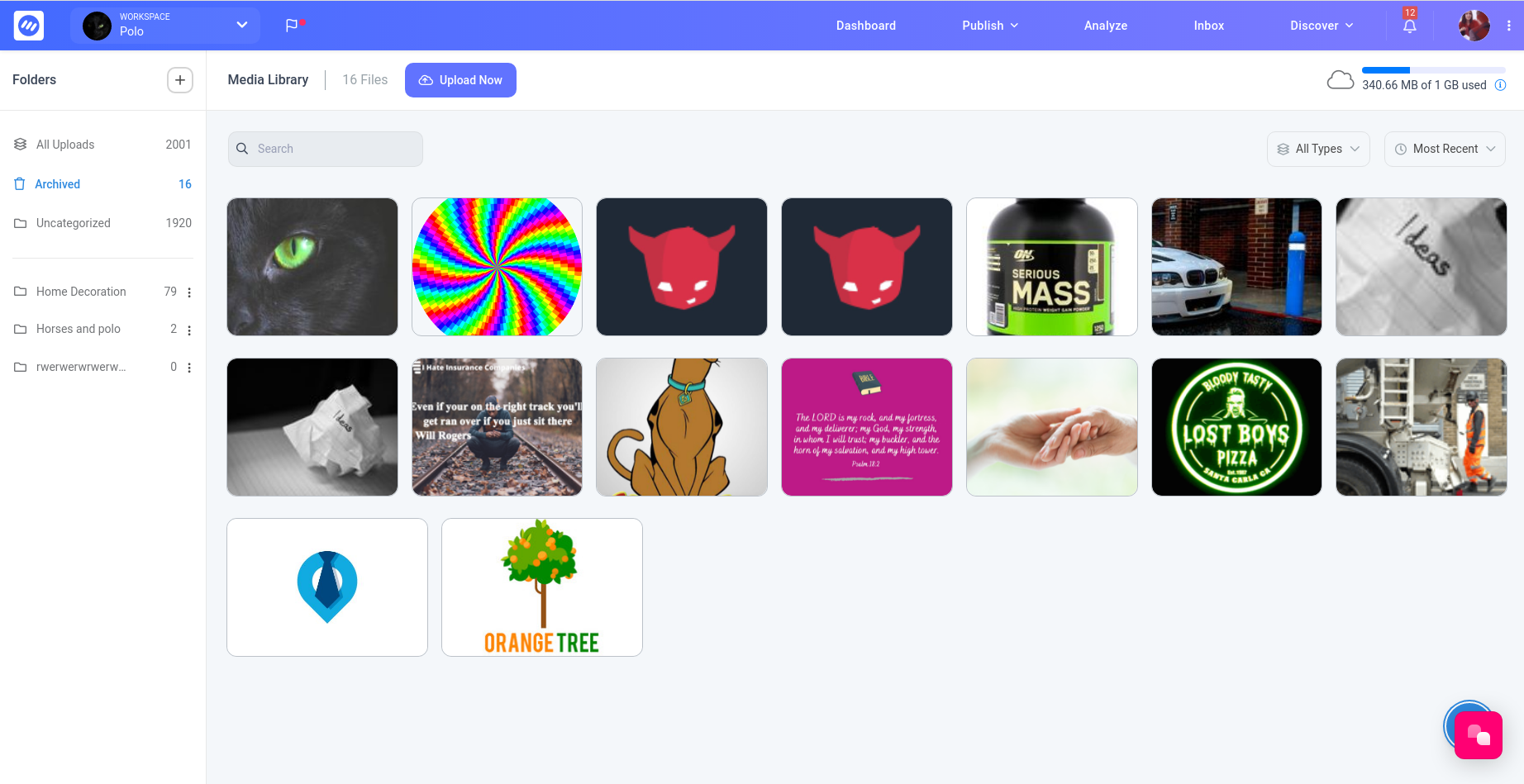
Step 5: Media asset will be moved to the Archived folder.
Was this article helpful?