

How to post to Pinterest via Direct API
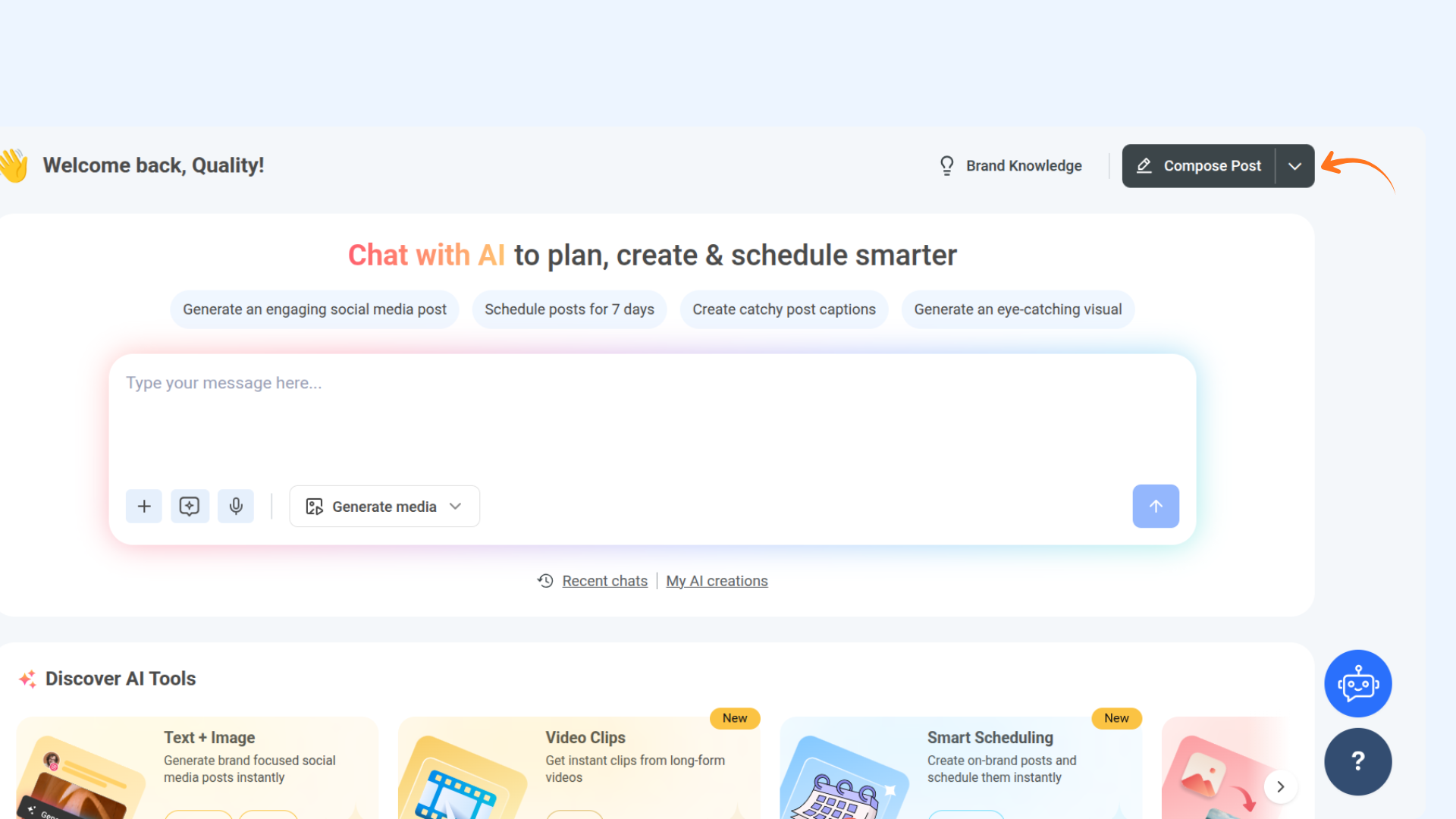
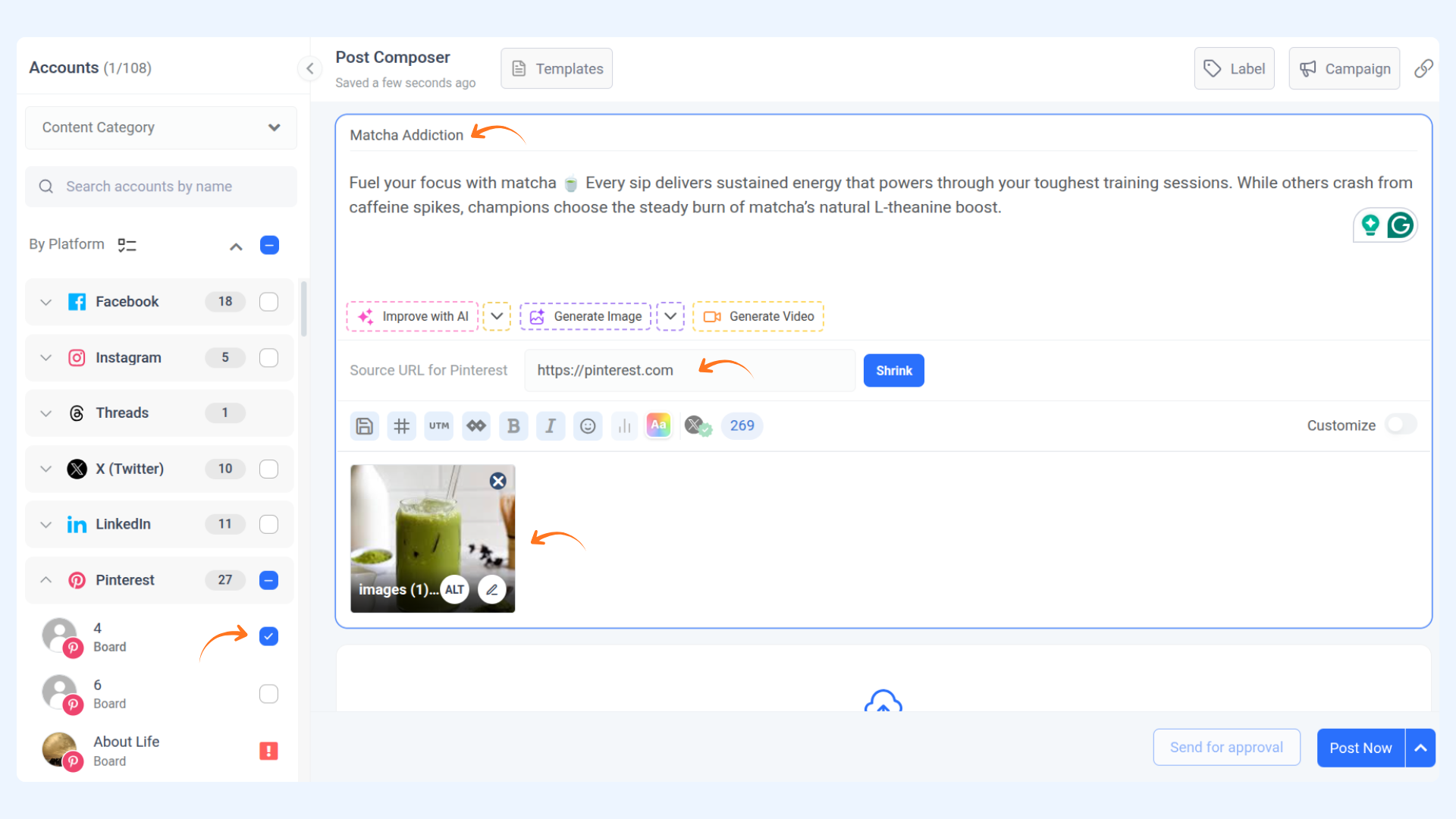
Posting to Pinterest boards through ContentStudio is now quick and easy with direct API access. This guide provides a step-by-step walkthrough to help you compose and publish Pinterest posts seamlessly, whether you want to schedule or publish them immediately. You’ll also find answers to frequently asked questions, from previewing your post to posting on multiple boards, making it simple to manage your Pinterest content effectively.
Let us get in 💫
FAQs
Q1: Can I preview my Pinterest post before publishing?
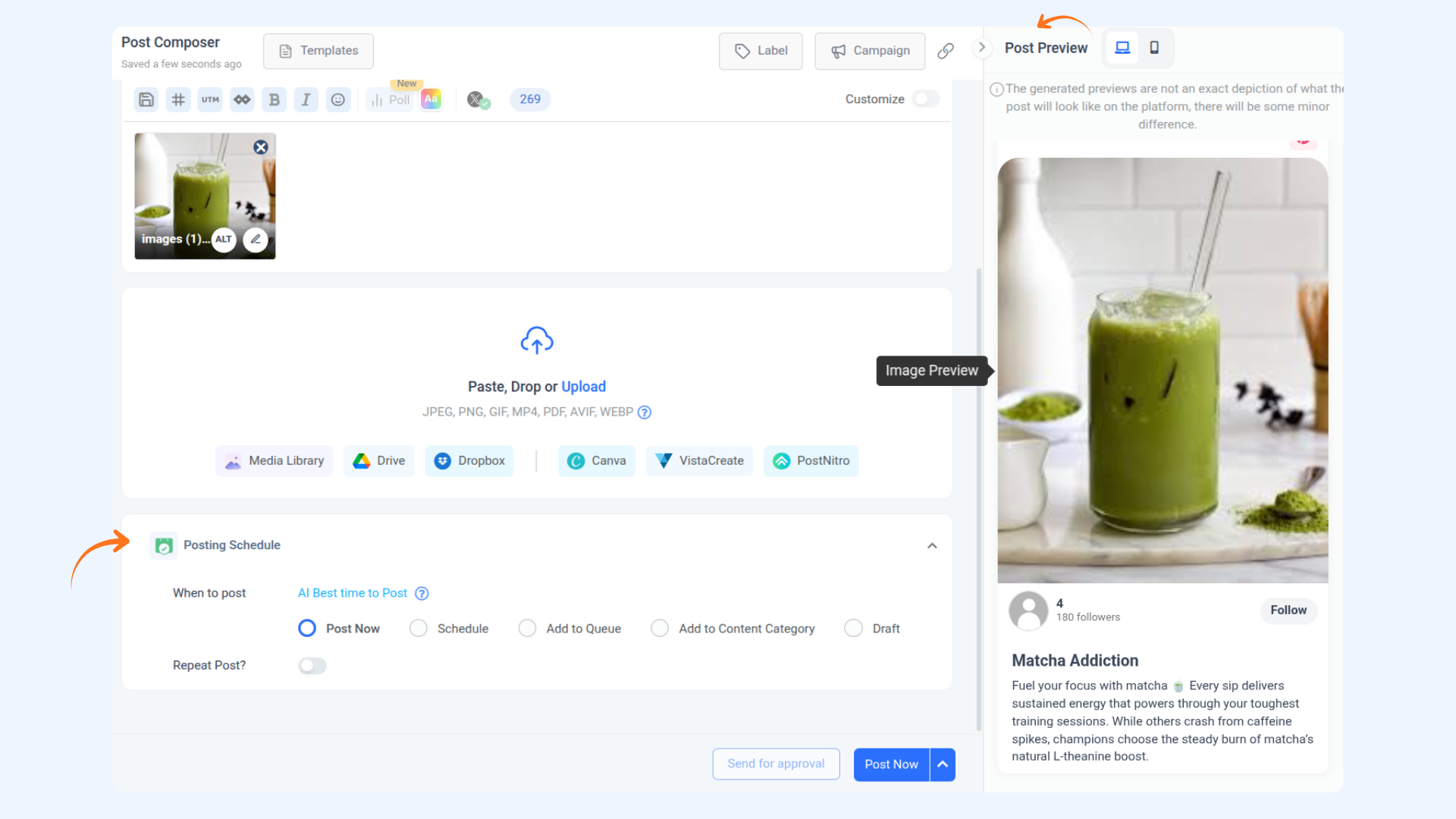
A: Yes, ContentStudio provides a preview on the right side of the screen in the composer, allowing you to see how your post will look before posting.
Q2: Is it possible to schedule Pinterest posts through ContentStudio?
A: Yes, you can schedule your Pinterest posts later or publish them immediately by clicking on "Post now."
Q3: Can I post to multiple Pinterest boards at once?
A: Yes, you can select multiple boards from your Pinterest profile when creating a post in ContentStudio.
Was this article helpful?