

Schedule content for your Facebook page
ContentStudio makes it easy to publish posts on your Facebook Page, whether you want to share updates, images, videos, or links. Follow this step-by-step guide to create and publish posts directly from ContentStudio.
Let us get in!🤠
In this article:
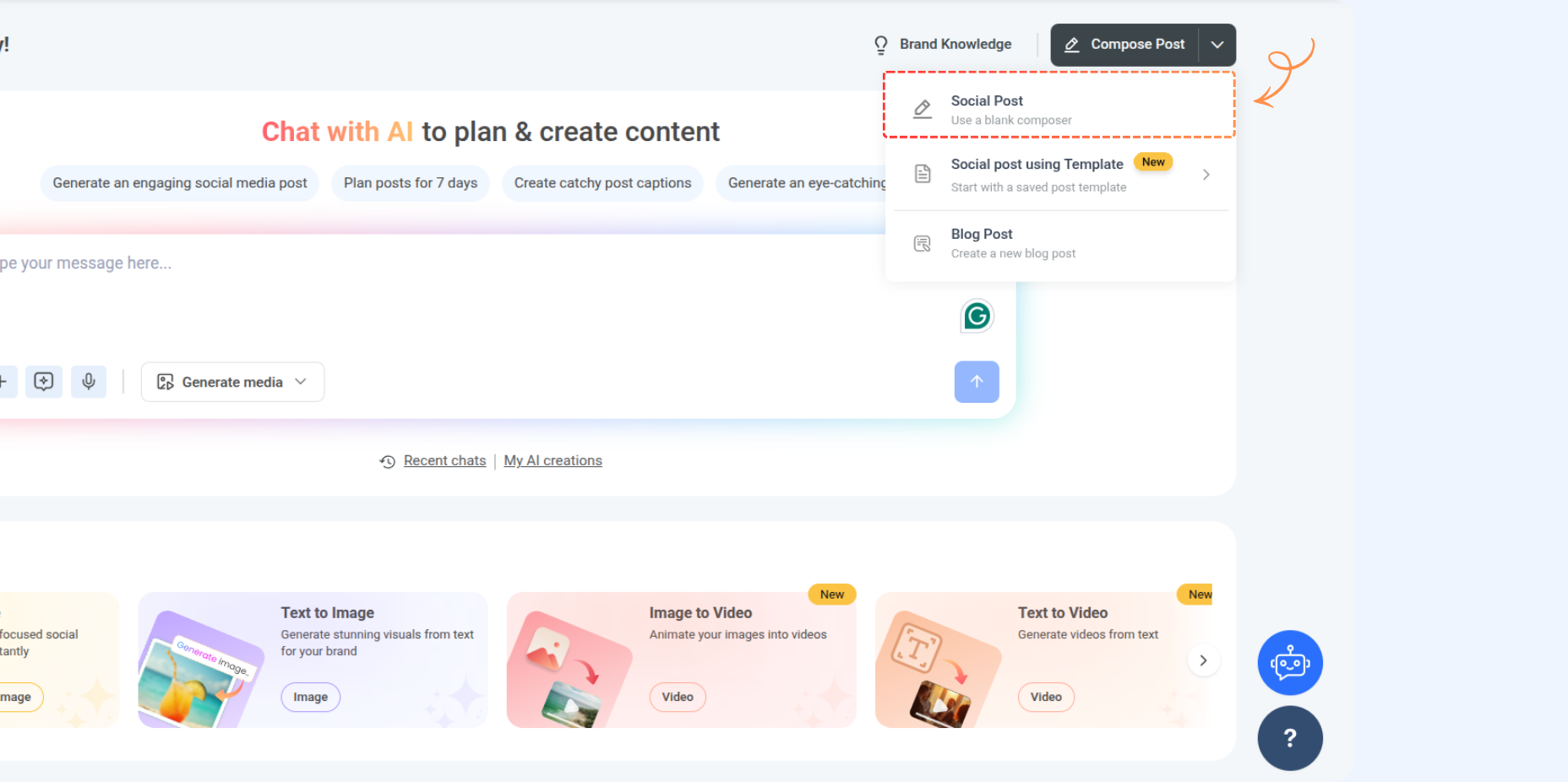
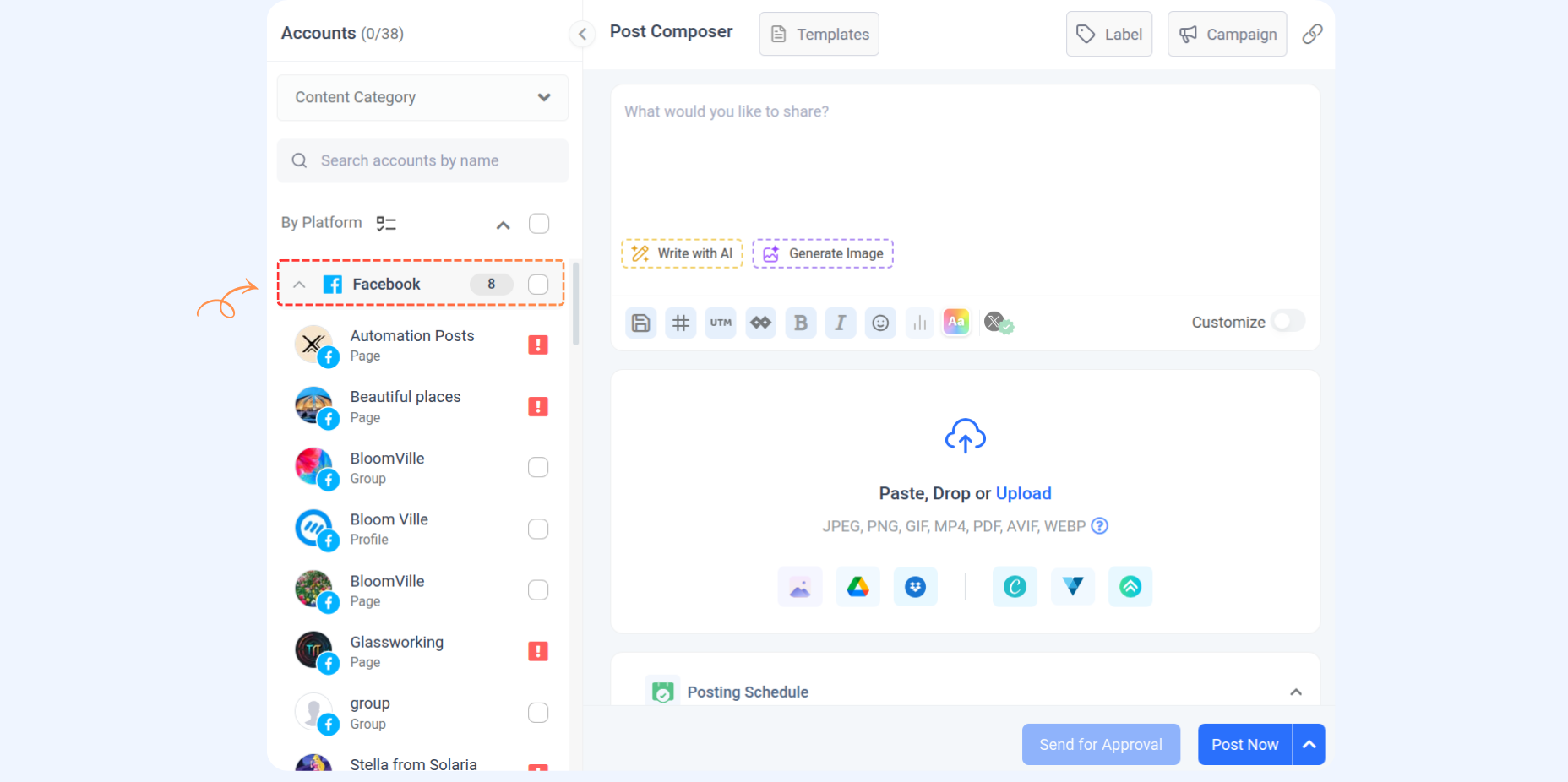
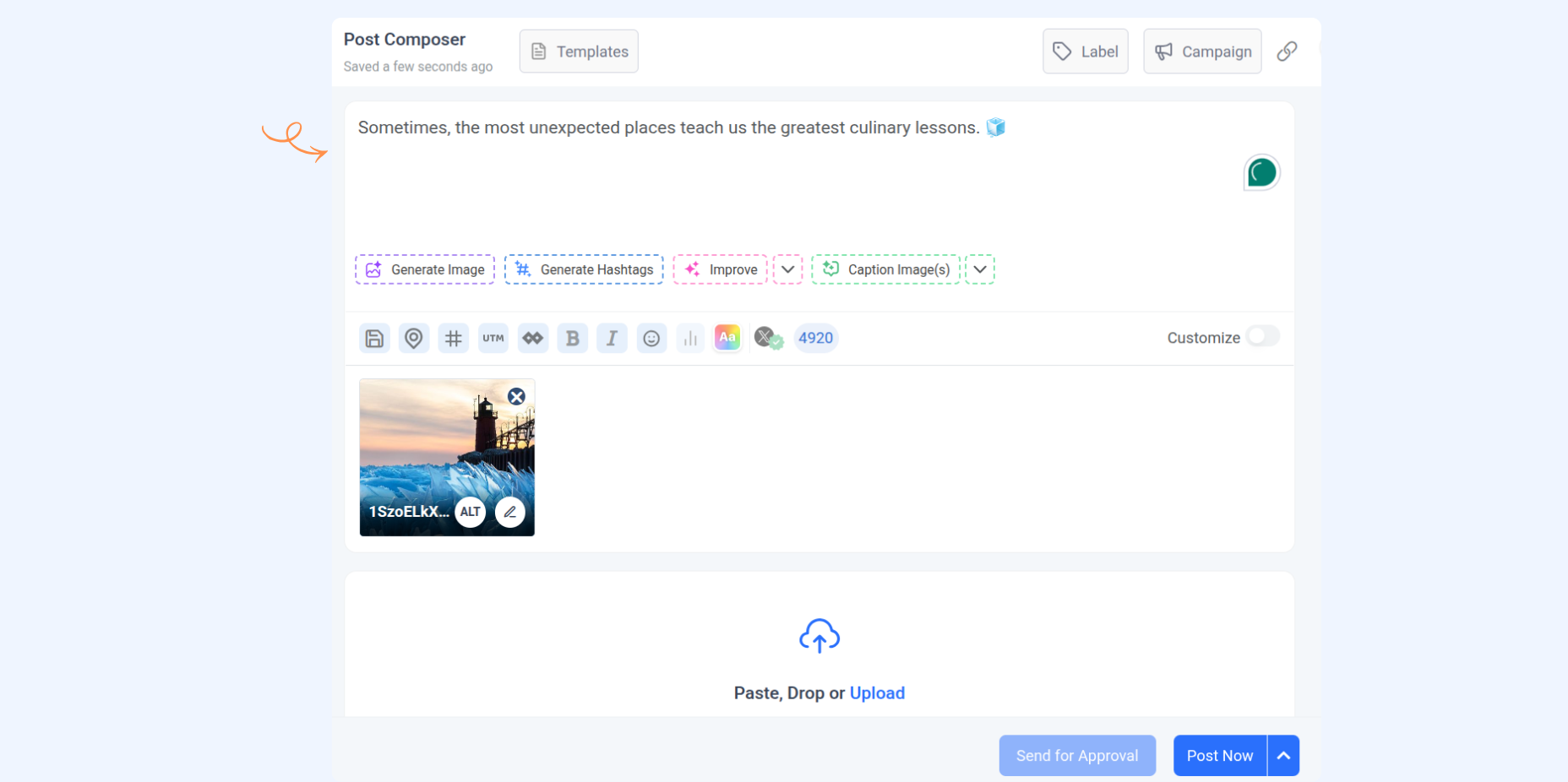
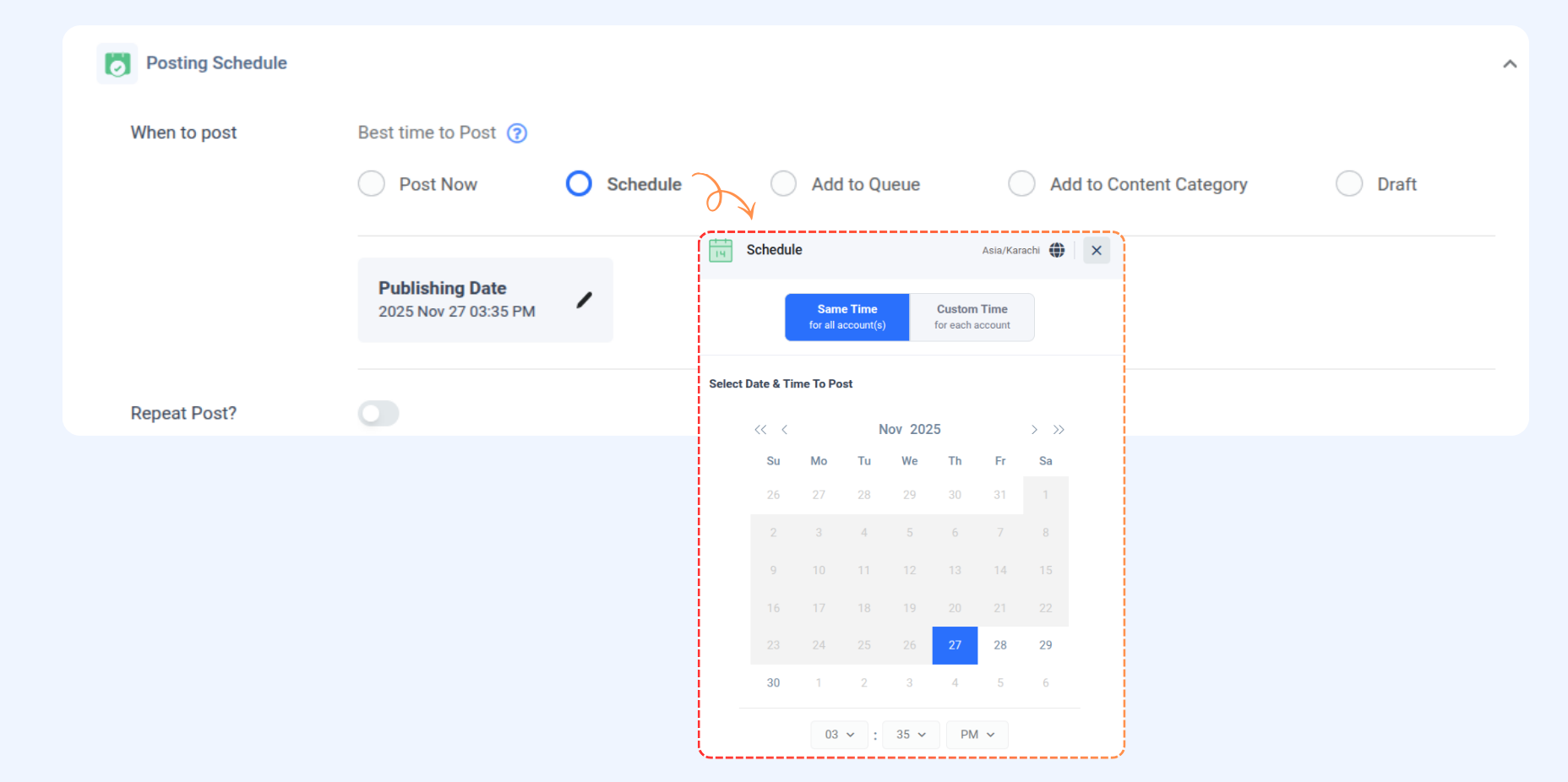
How to schedule content for Facebook pages
FAQs
Q1: How many images can I include in a Facebook feed?
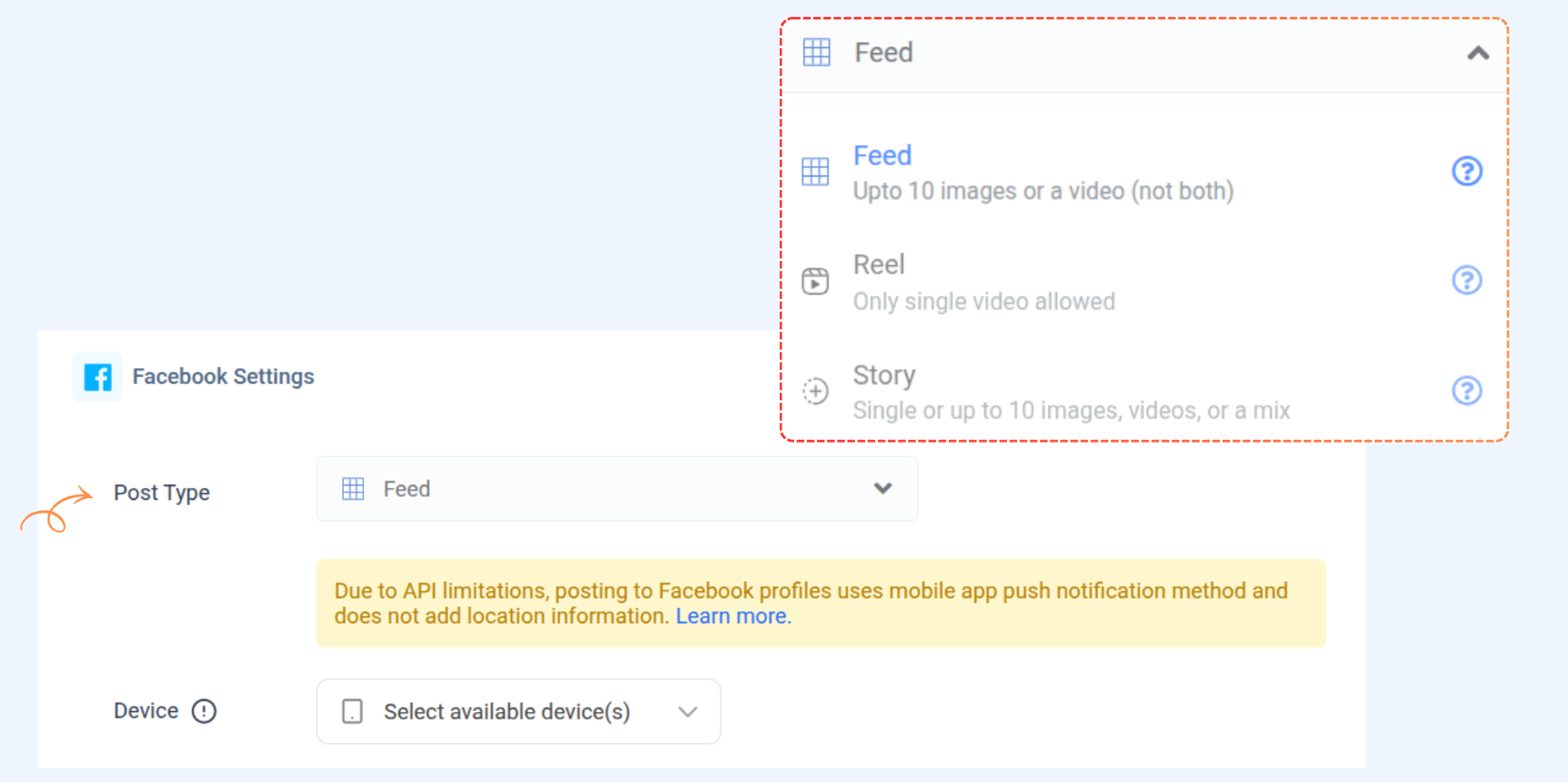
A: You can add a single to 10 images to the Facebook feed.
Q2: What does the "Also Share to Story" option do?
A: The "Also Share to Story" option allows you to share your content as a story alongside the selected primary format, such as a feed or reel post.
Q3: Can I upload multiple images or videos in a Facebook story post?
A: Yes, you can upload up to 10 images, videos, or a combination of both in a single story post.
Q4: Are there specific size and format requirements for Facebook feed posts?
A: Yes, images must be in JPEG or PNG format, with a maximum size of 10MB, and adhere to an aspect ratio between 4:5 and 1.91:1.
Was this article helpful?