

How to post on Bluesky using ContentStudio
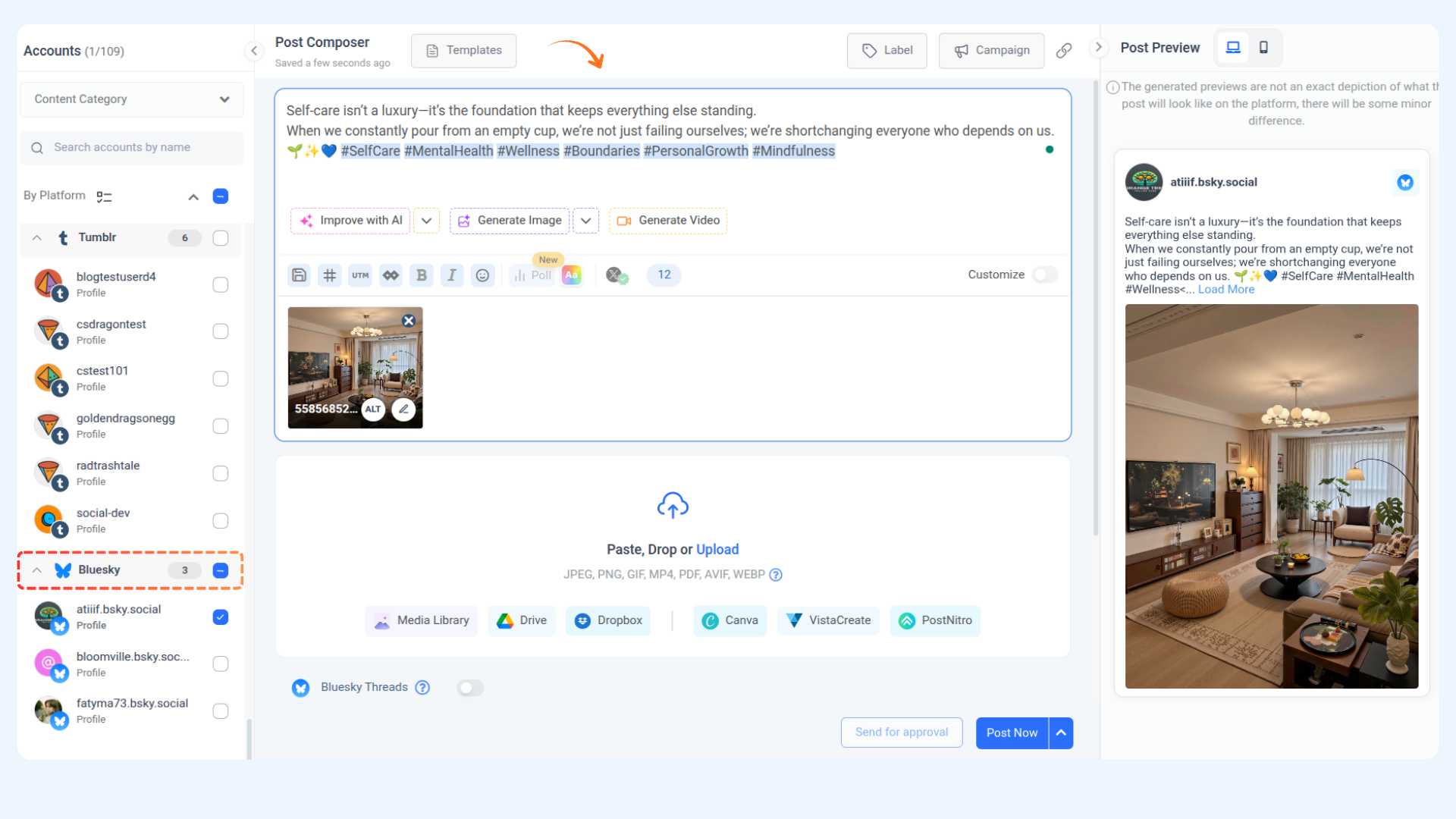
ContentStudio allows users to compose, preview, and schedule posts seamlessly for Bluesky accounts. This guide provides a step-by-step walkthrough for crafting engaging posts, including multi-thread content, in the Composer module. From setting up your captions and media to previewing and publishing, this article equips you with all the tools to elevate your Bluesky presence effortlessly.
Let's get in! 🦋
In this article:
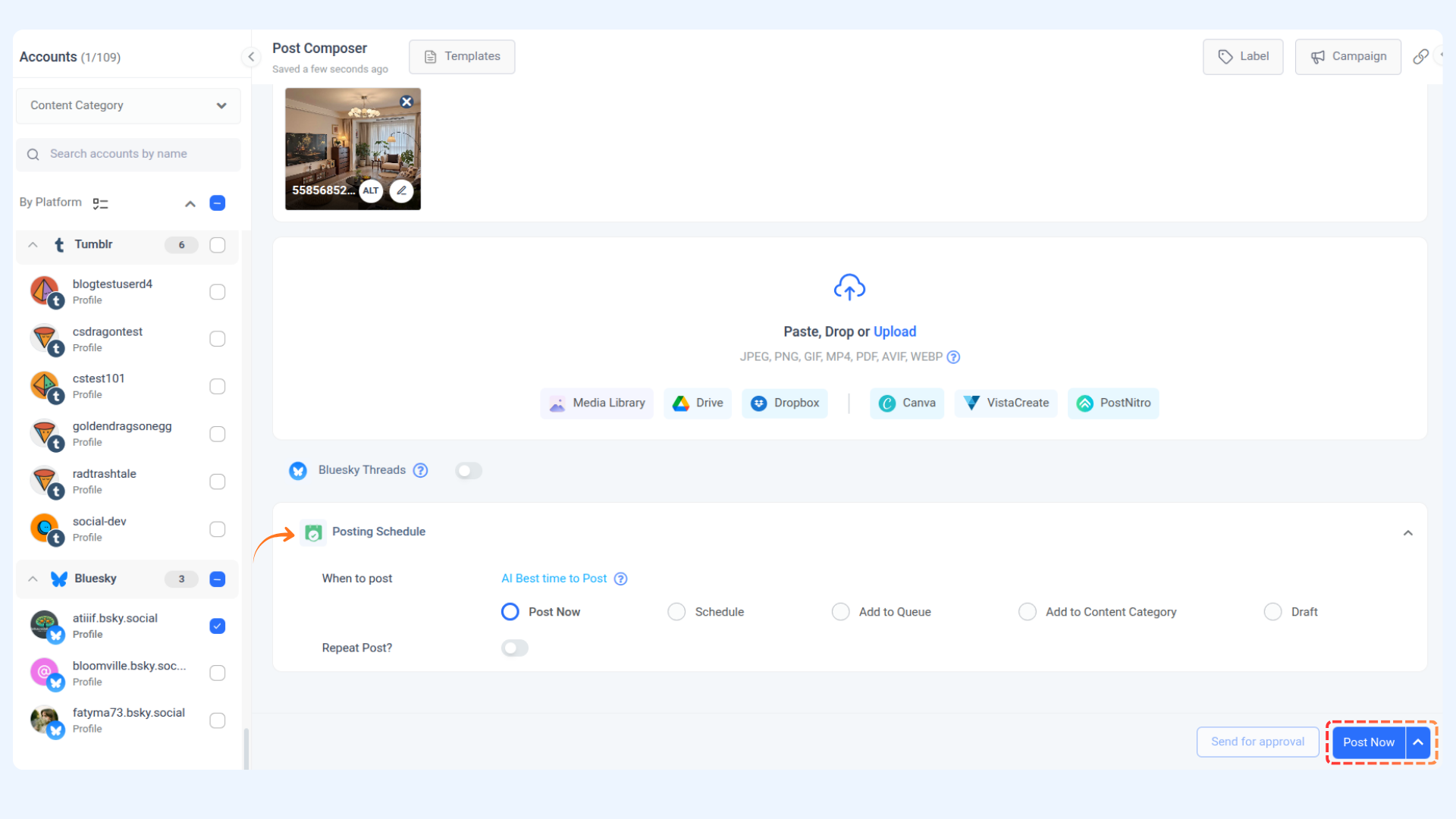
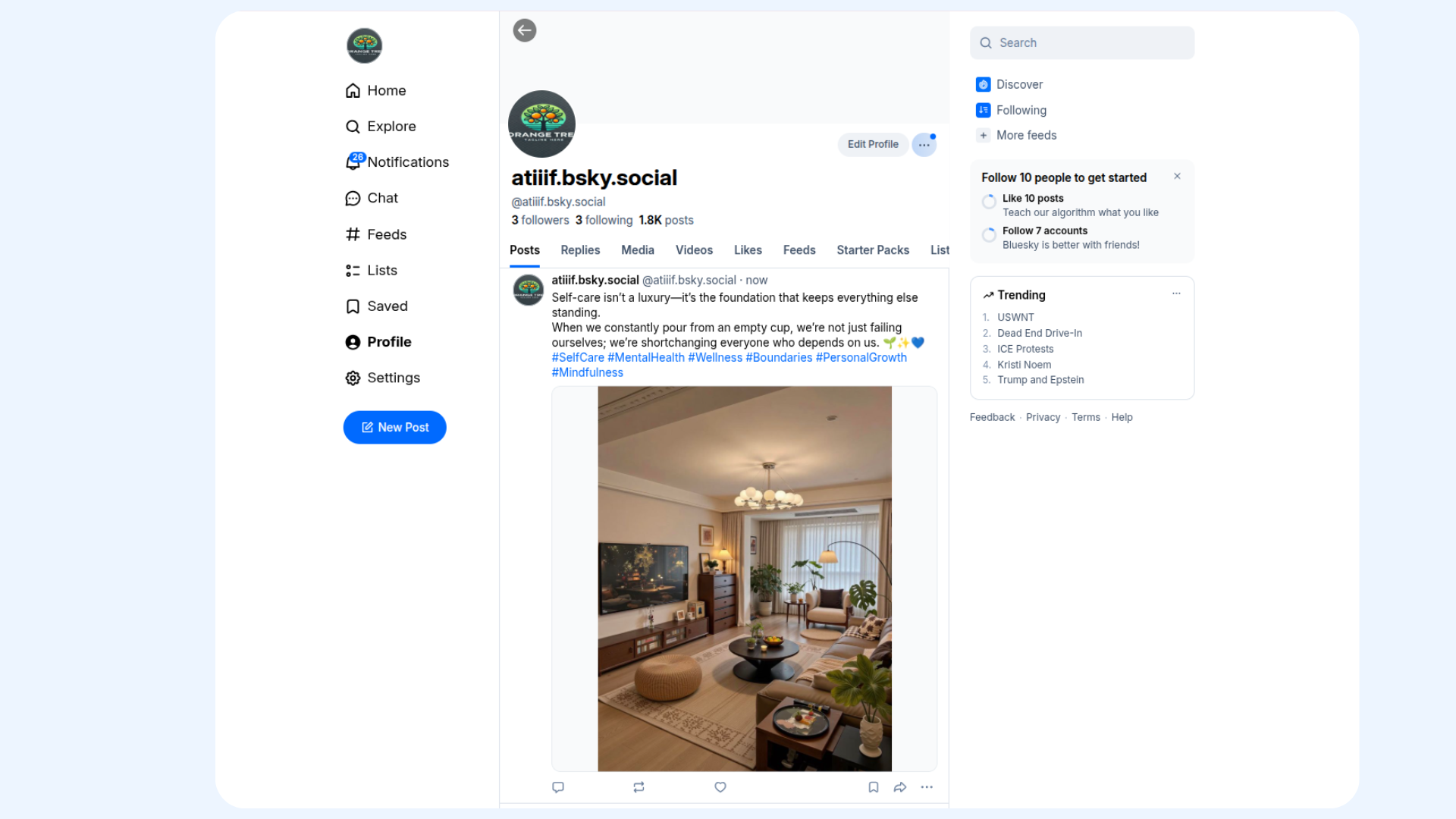
Publishing/scheduling a post on Bluesky
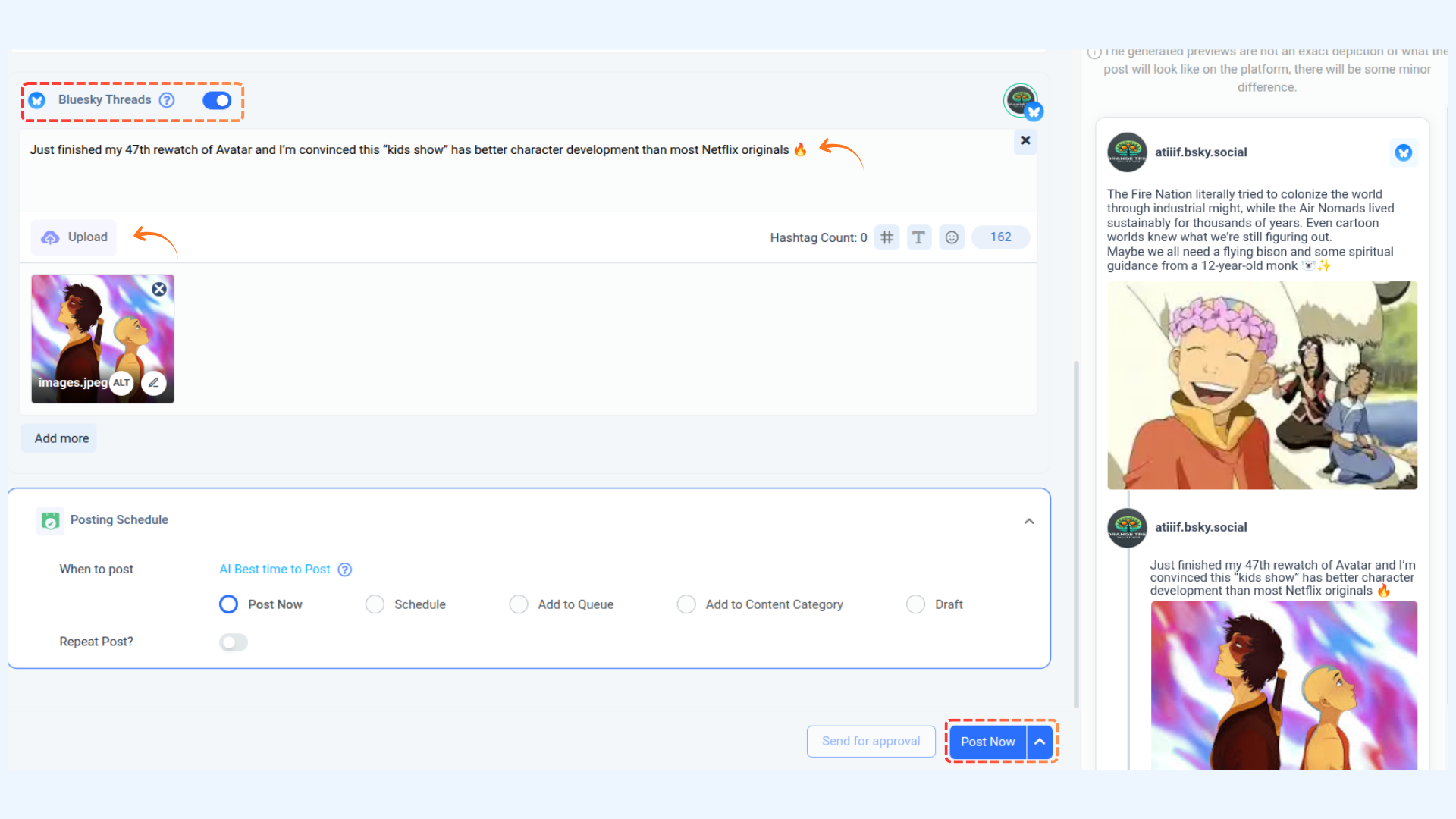
Bluesky threaded post
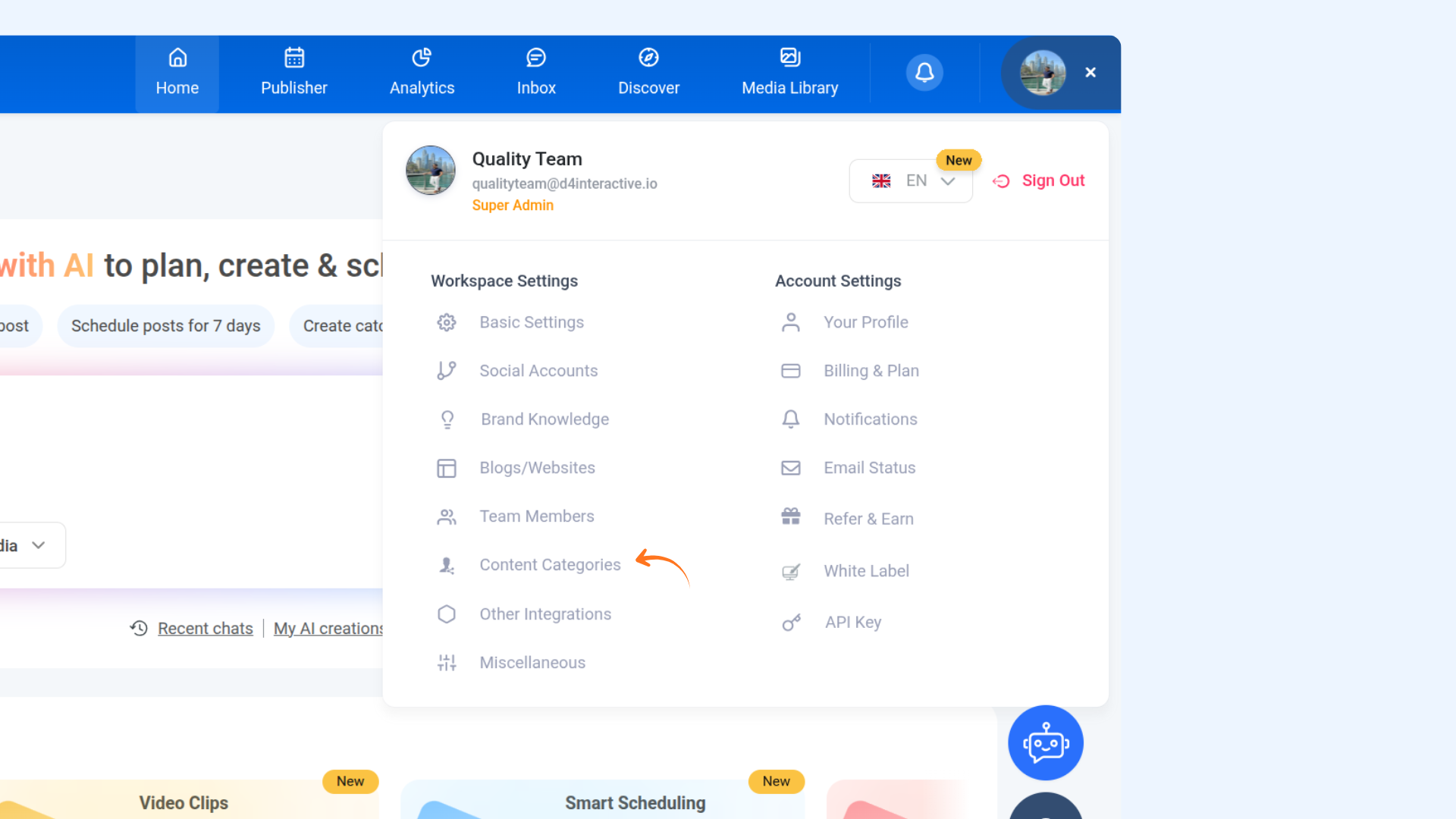
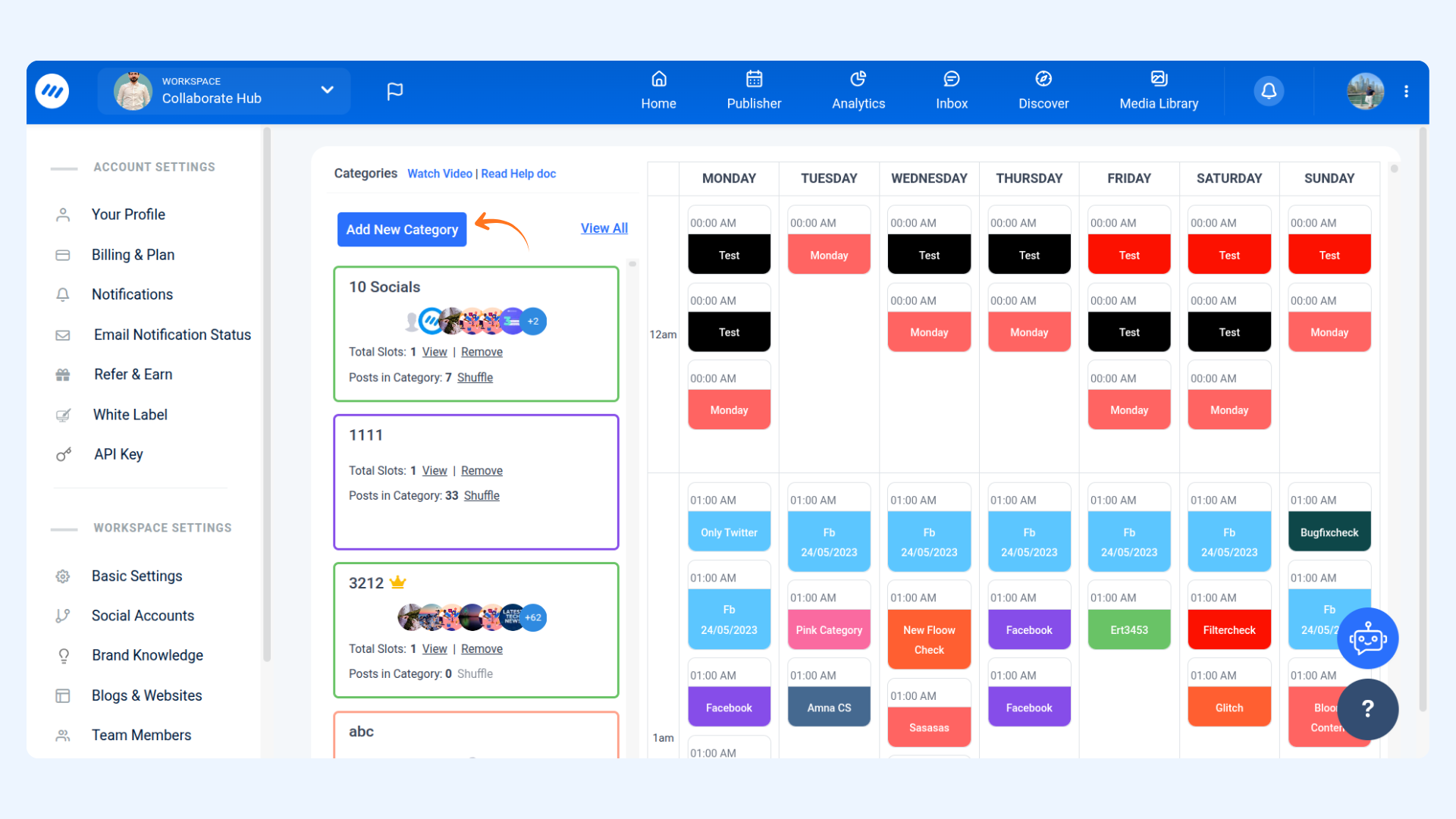
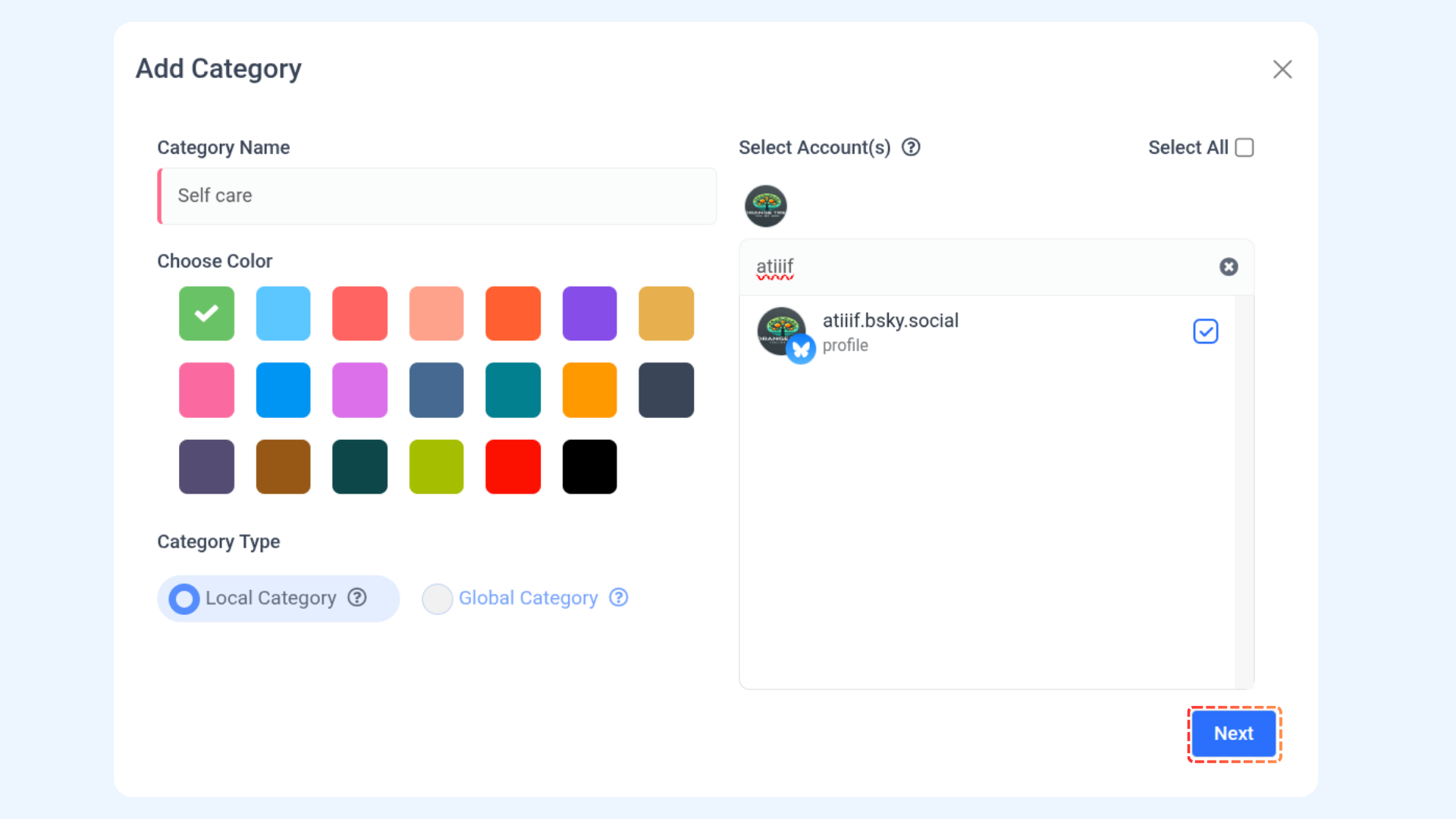
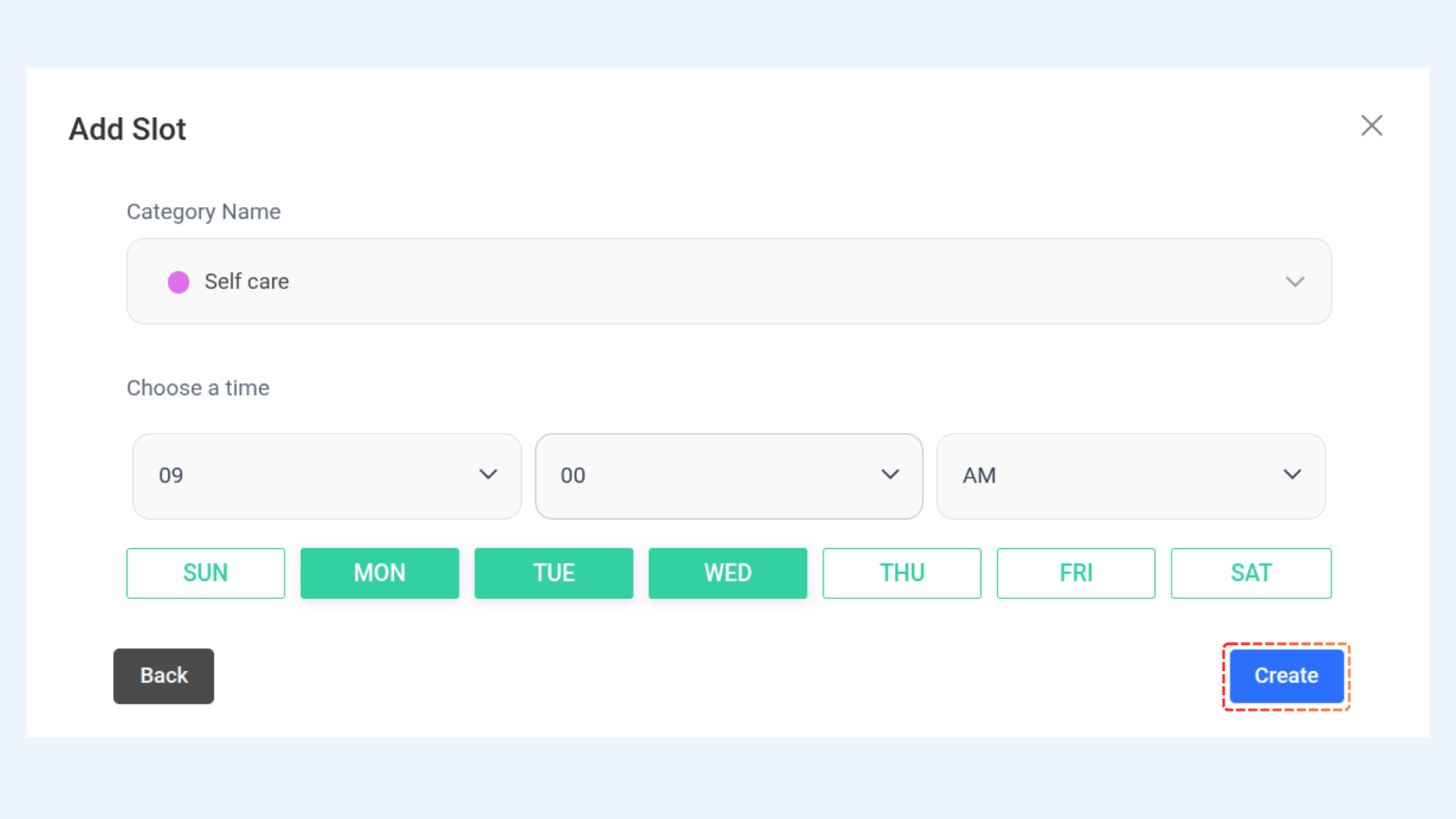
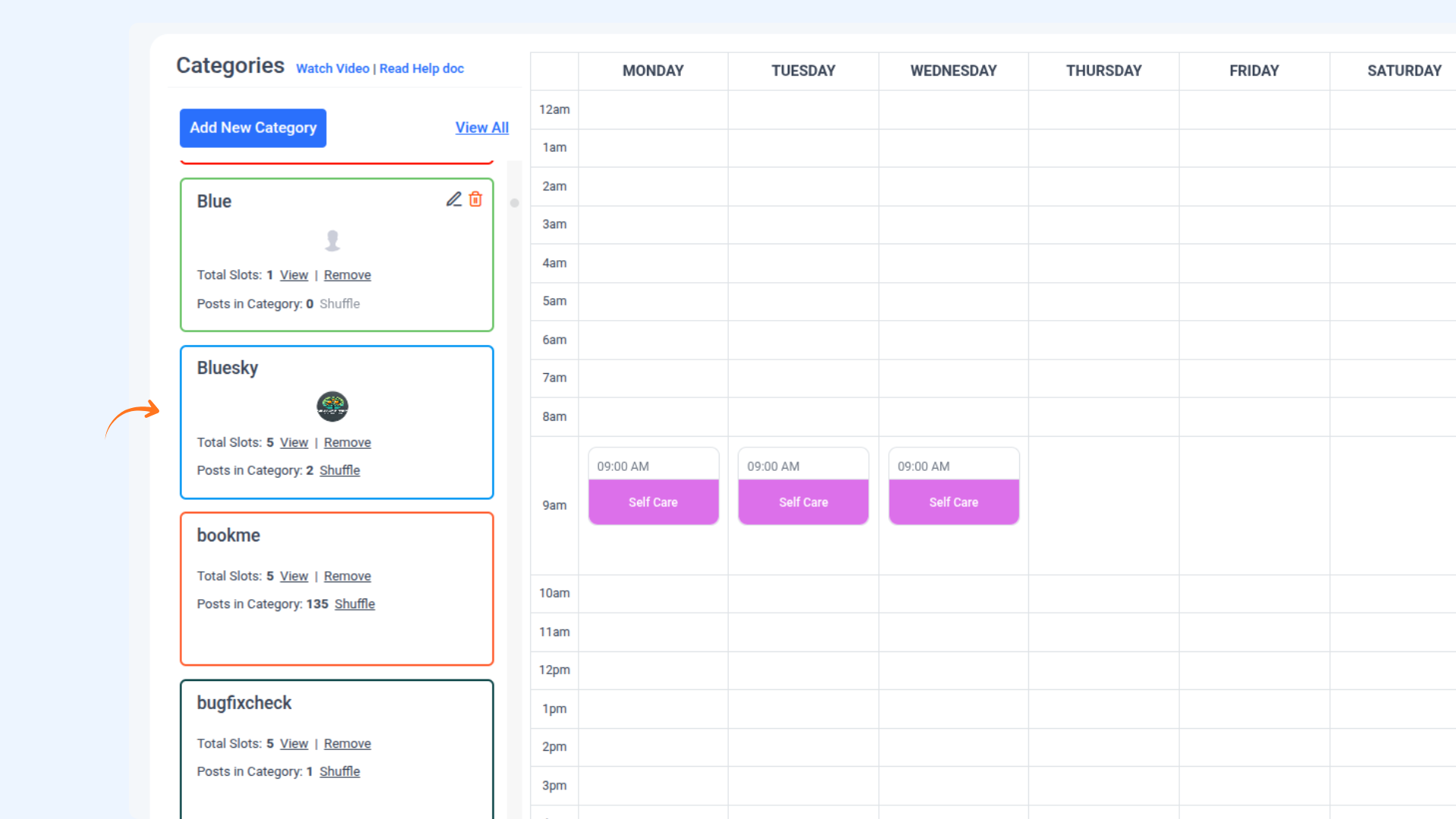
Bluesky in Content Category
Happy Posting 💫
FAQs
Q1: How many characters can I include in a Bluesky post?
A: Each post can contain up to 300 characters. Multi-thread posts are supported, with each thread or reply adhering to the same character limit.
Q2: Can I include media in my Bluesky posts?
A: You can attach up to 4 images or 1 video per post. Supported image formats are JPEG (JPG) and PNG, with a maximum file size of 1 MB. Videos must be in MOV or MP4 format.
Q3: What is the limit for multi-thread posts?
A: You can create up to 25 threads or replies within a single multi-thread post.
Q4: Can I preview my Bluesky posts before publishing?
A: Yes, the Composer module provides a real-time preview on the right-hand side, enabling you to see how your post will appear on Bluesky.
Was this article helpful?