

Invite Instagram Collaborators
Have you tried the Instagram Collab feature yet?
It’s quickly become a favorite among brands, creators, and influencers. Collab posts let you team up with another account to co-create and share content, helping you reach a wider and more relevant audience.
In this guide, we’ll break down how Instagram Collab posts work and show you how to use them strategically to boost your visibility, engagement, and brand presence on the platform.
In this article:
About Instagram Collaboration Posts
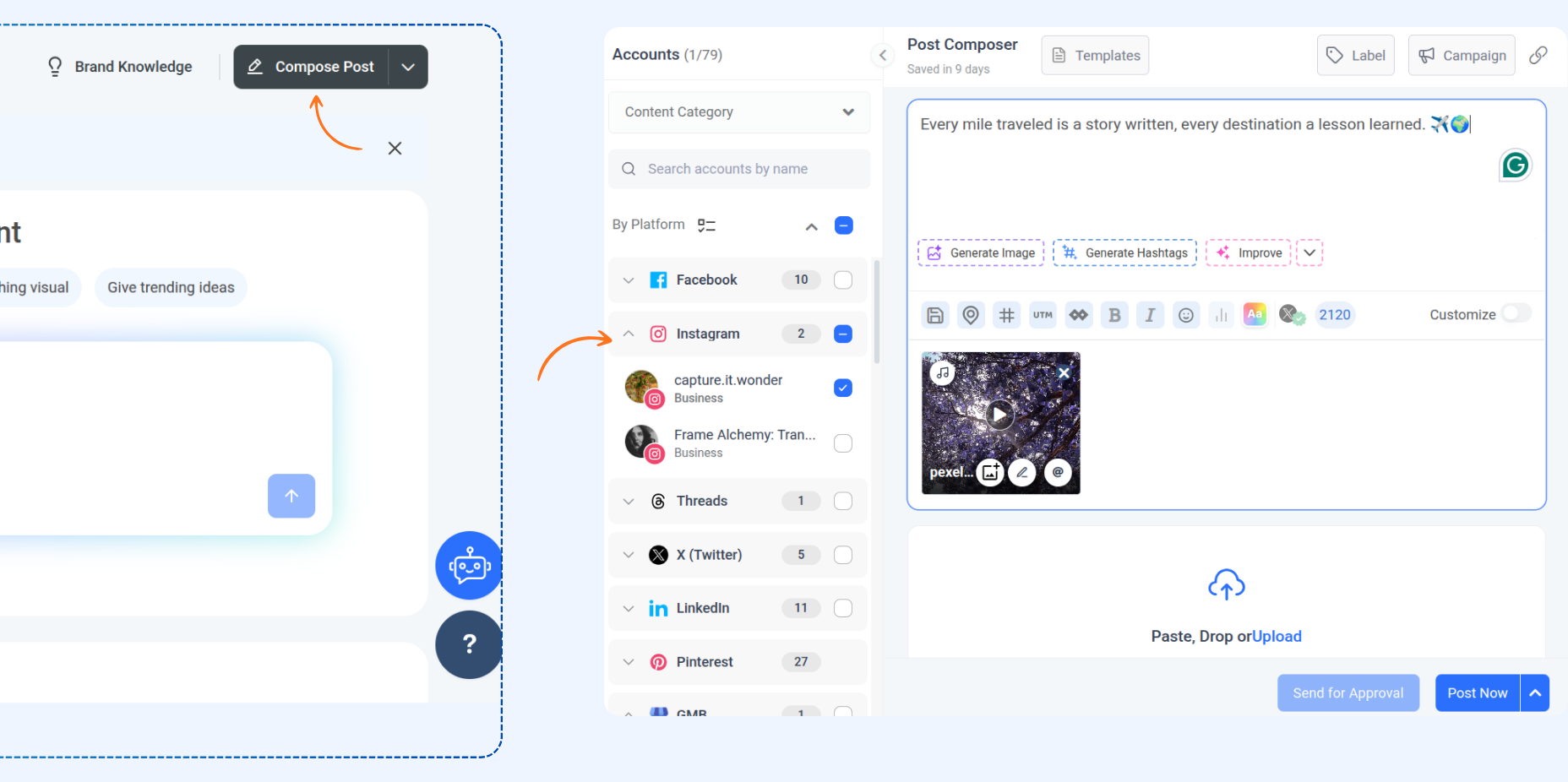
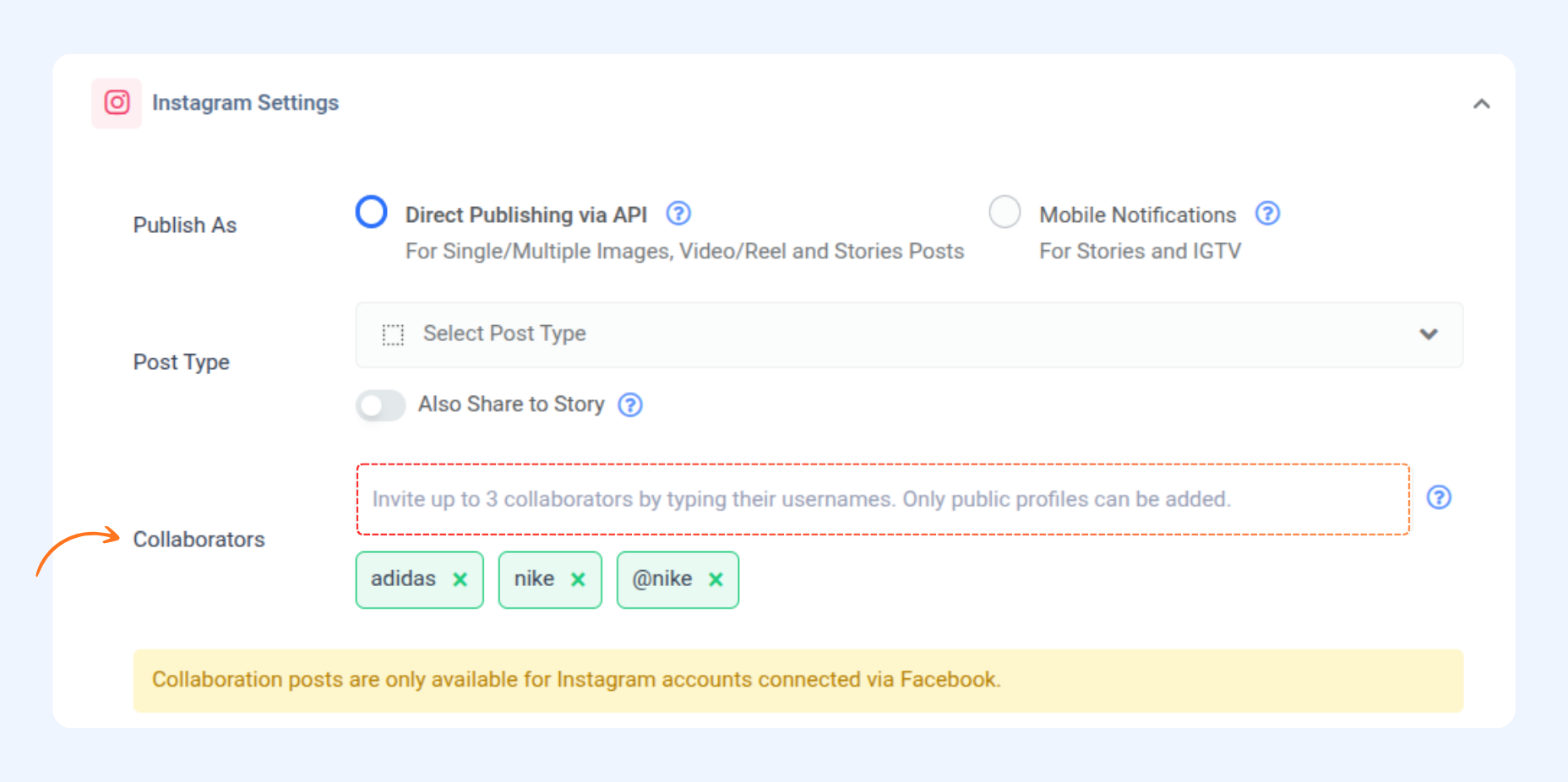
Step-by-Step: Create an Instagram Collab Post
How do collaborators accept my invitation?
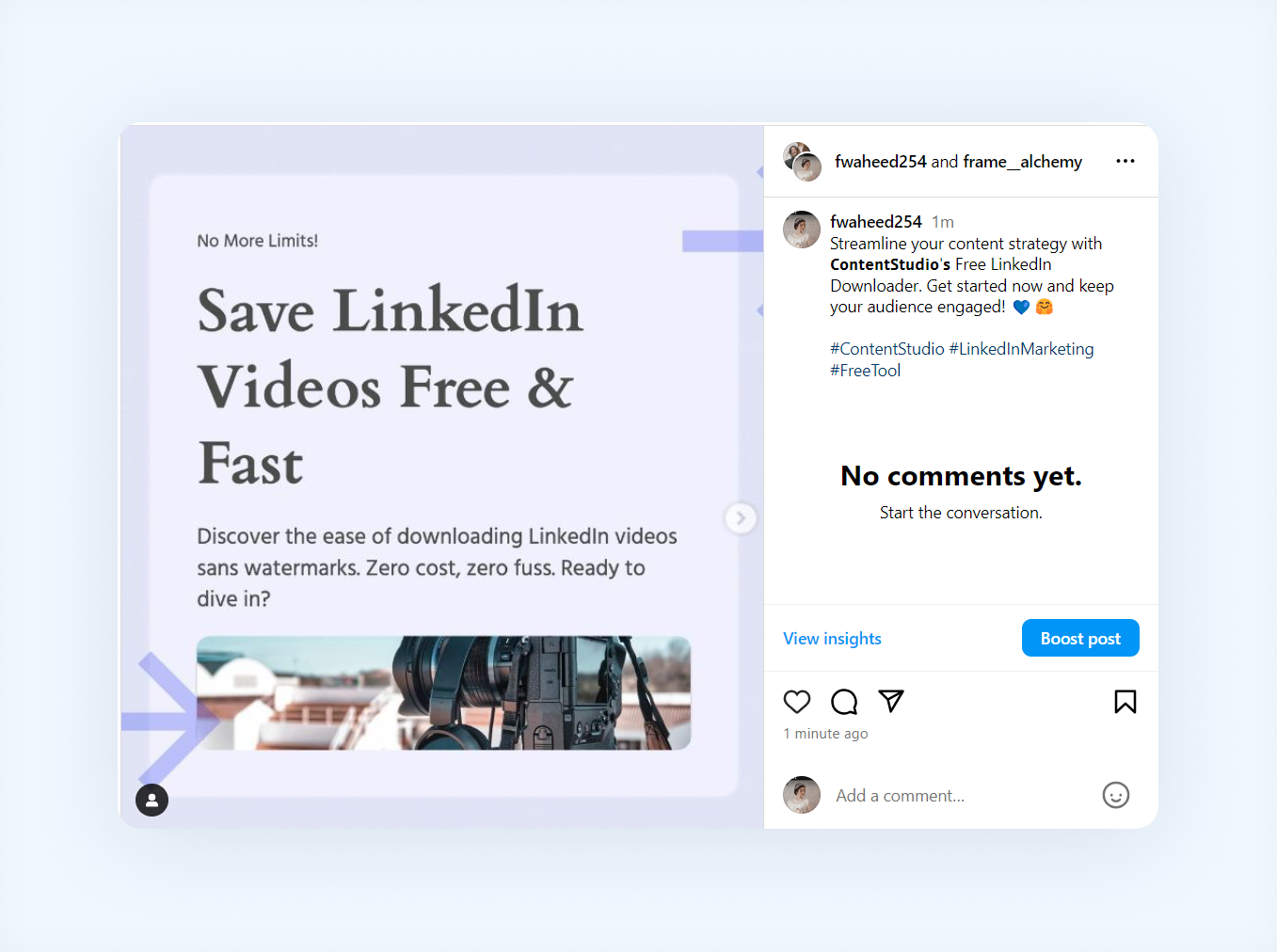
That is all about Instagram collab posts!
FAQs
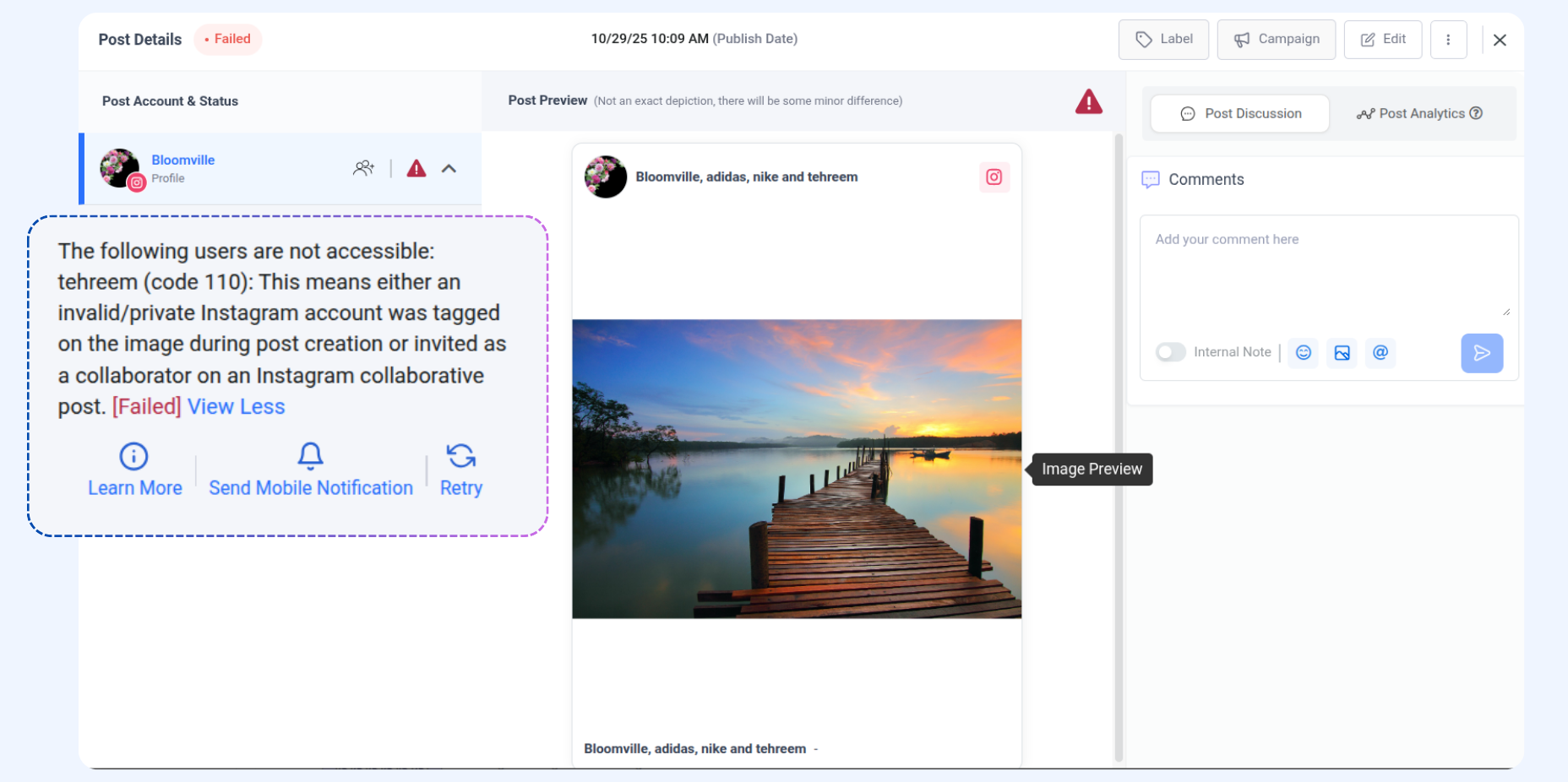
Q1: What happens if a collaborator's account is private?
A: If a collaborator's account is private or has restricted profiles, the post won't publish due to Instagram API restrictions.
Q2: Will my collaborators be notified before I publish the post?
A: No, collaborators are only notified after the post has been published on Instagram.
Q3: Which post type allows you to add collaborators?
A: Collaborators can be added to the feed and reels.
Was this article helpful?