

Scheduling options in Bulk automations
You can choose from four scheduling options in ContentStudio to customize how your bulk posts are published.
Explore the available options below.
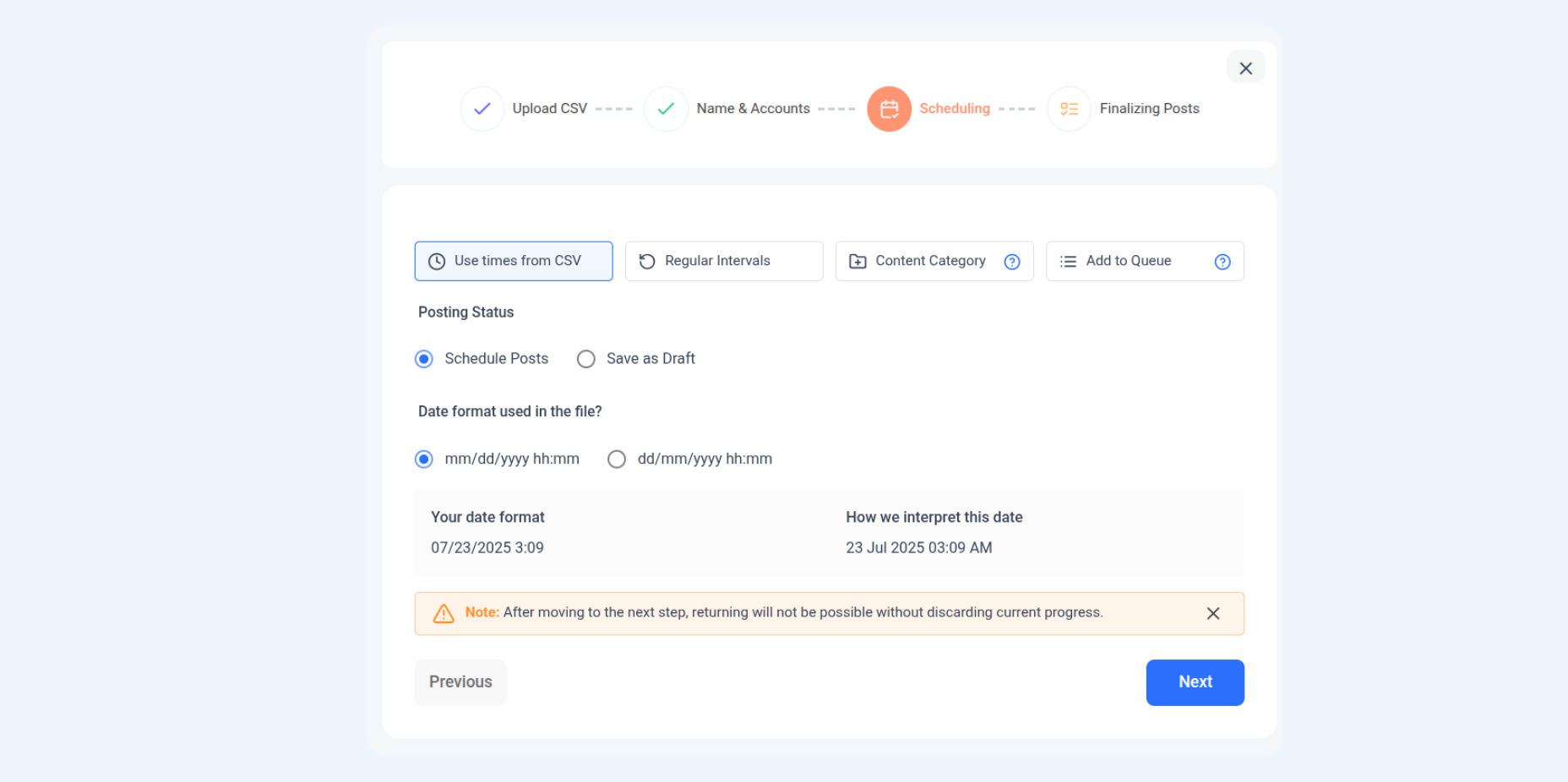
1. Use times from CSV
This option allows you to schedule posts at specific times by importing a CSV file that contains your desired time slots.
Ideal if you already have a predefined list of dates and times for your posts.
Helps you quickly bulk upload posts without manually selecting each publishing time.
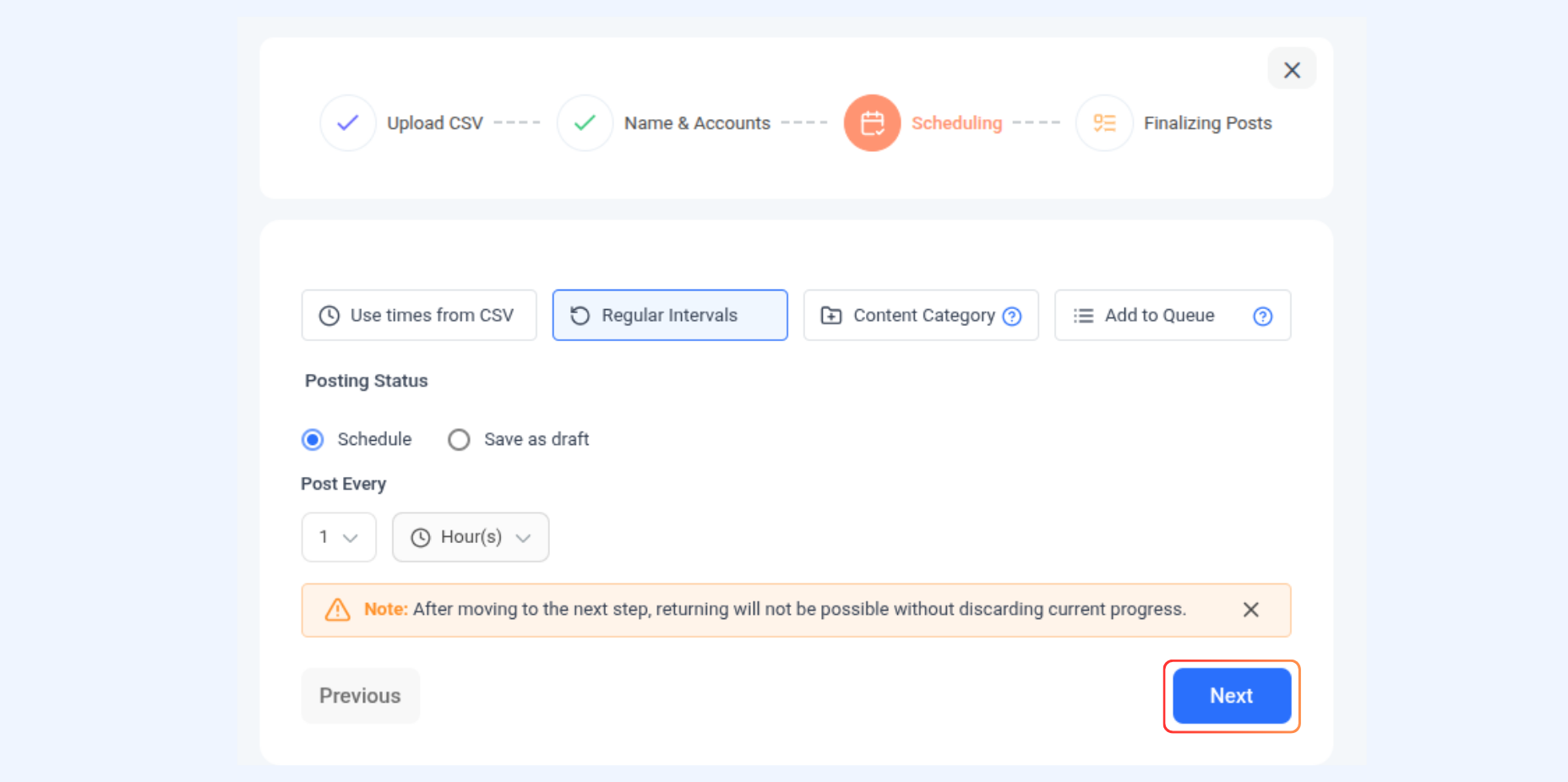
2. Regular Intervals
This option lets you schedule posts to be published automatically at regular time intervals.
You can set the frequency (e.g., every hour, every day, or every week).
The system automatically publishes posts according to your selected interval.
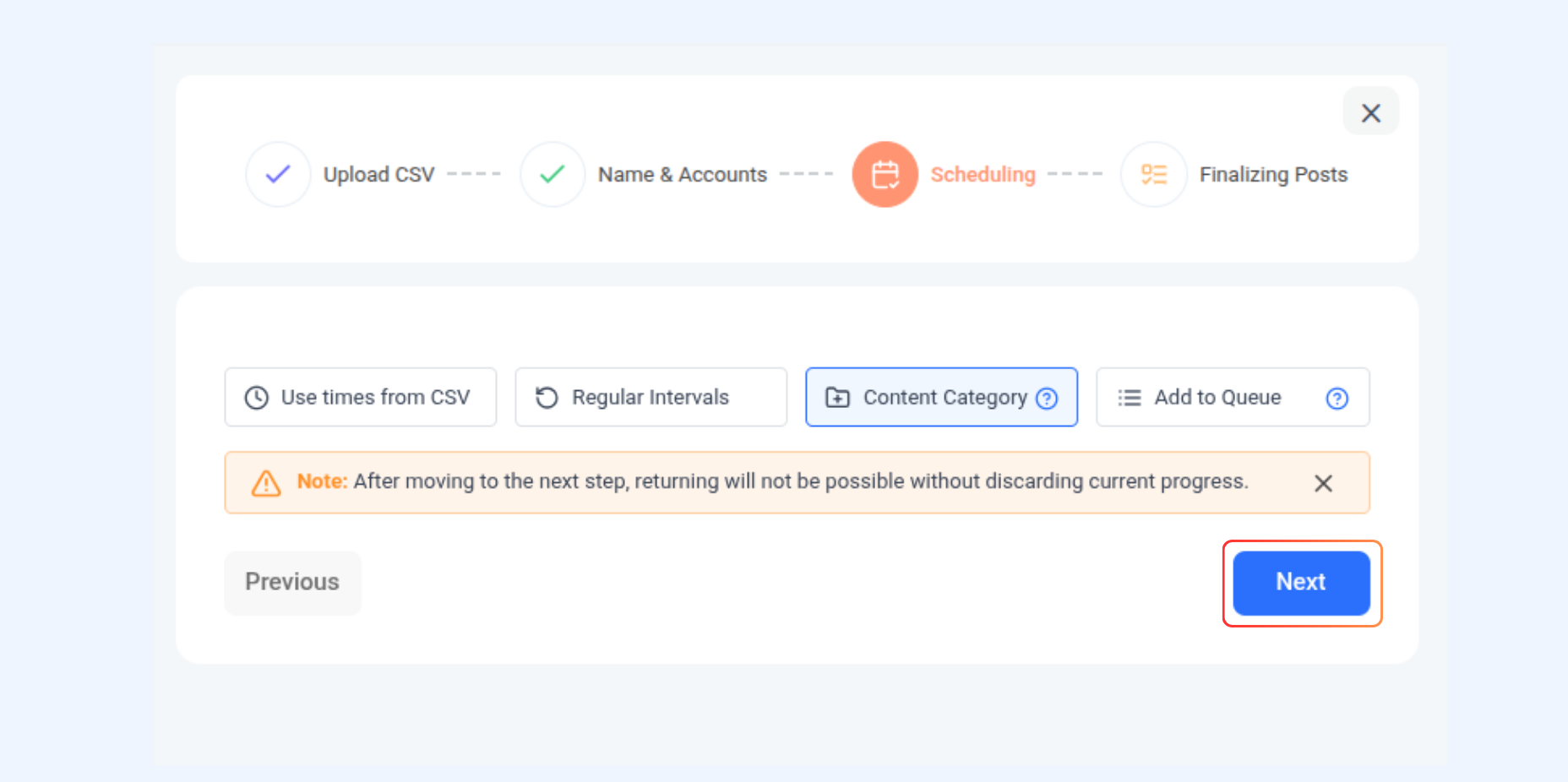
3. Add to Content Category
This option allows you to assign posts to a specific content category and have them published automatically according to the available slots defined for that category.
Useful for maintaining consistent posting patterns across selected categories.
The system will automatically pick the next available slot for publishing within that category.
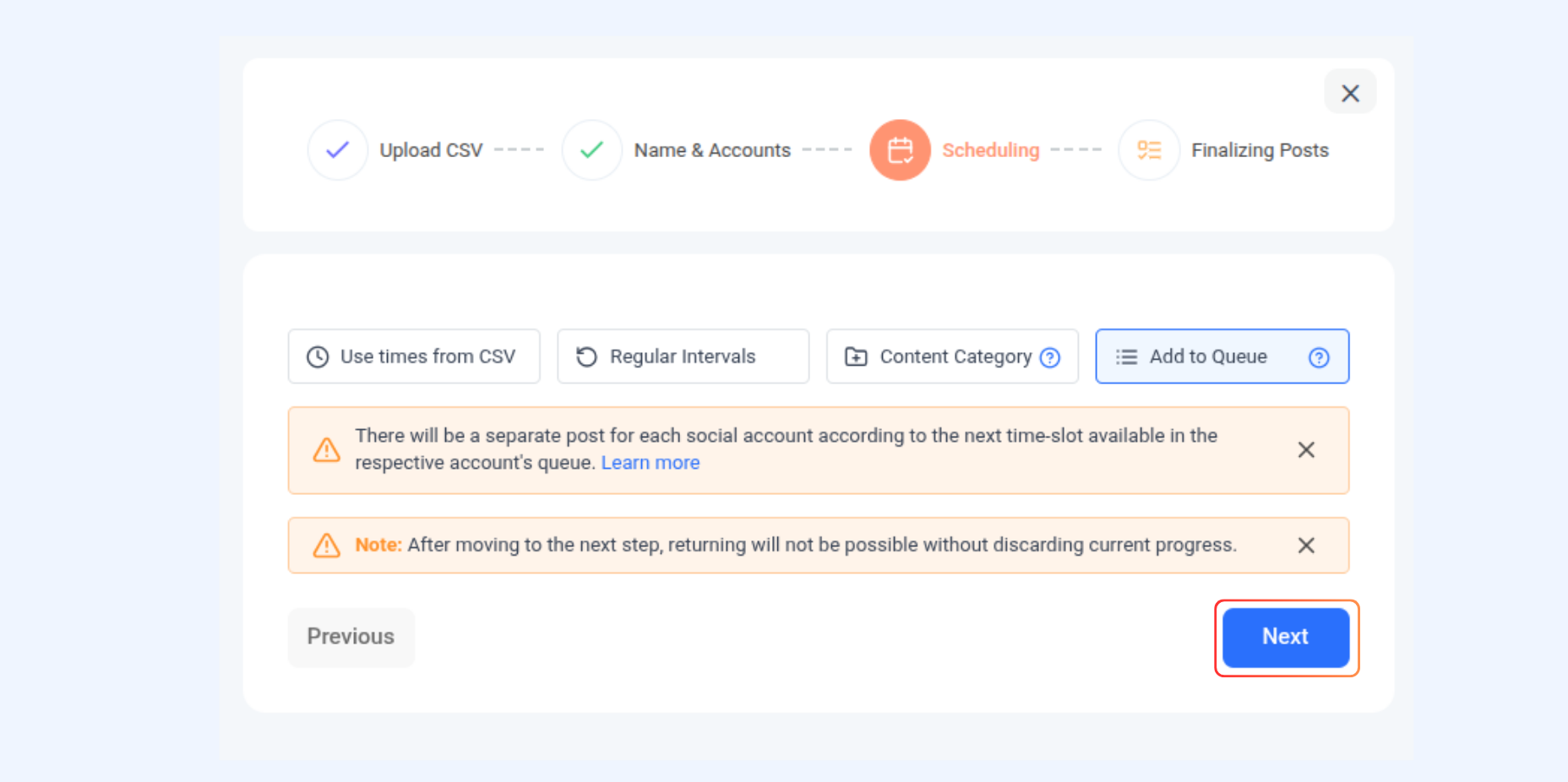
4. Queue
With this option, posts are placed in a queue and lined up for publication in the order they are added.
Posts in the queue will be published automatically when the next available slot arrives.
Ensures a continuous posting flow without manually setting individual times.
Happy scheduling 😀
Was this article helpful?