

Using a custom thumbnail in ContentStudio
Want your videos to stand out before they even play? Custom thumbnails let you control the first impression your audience gets. Whether you're uploading to YouTube, Facebook, or other platforms, ContentStudio gives you flexible options to choose your ideal thumbnail.
In this Article:
What is a custom thumbnail?
How to use custom thumbnails in ContentStudio
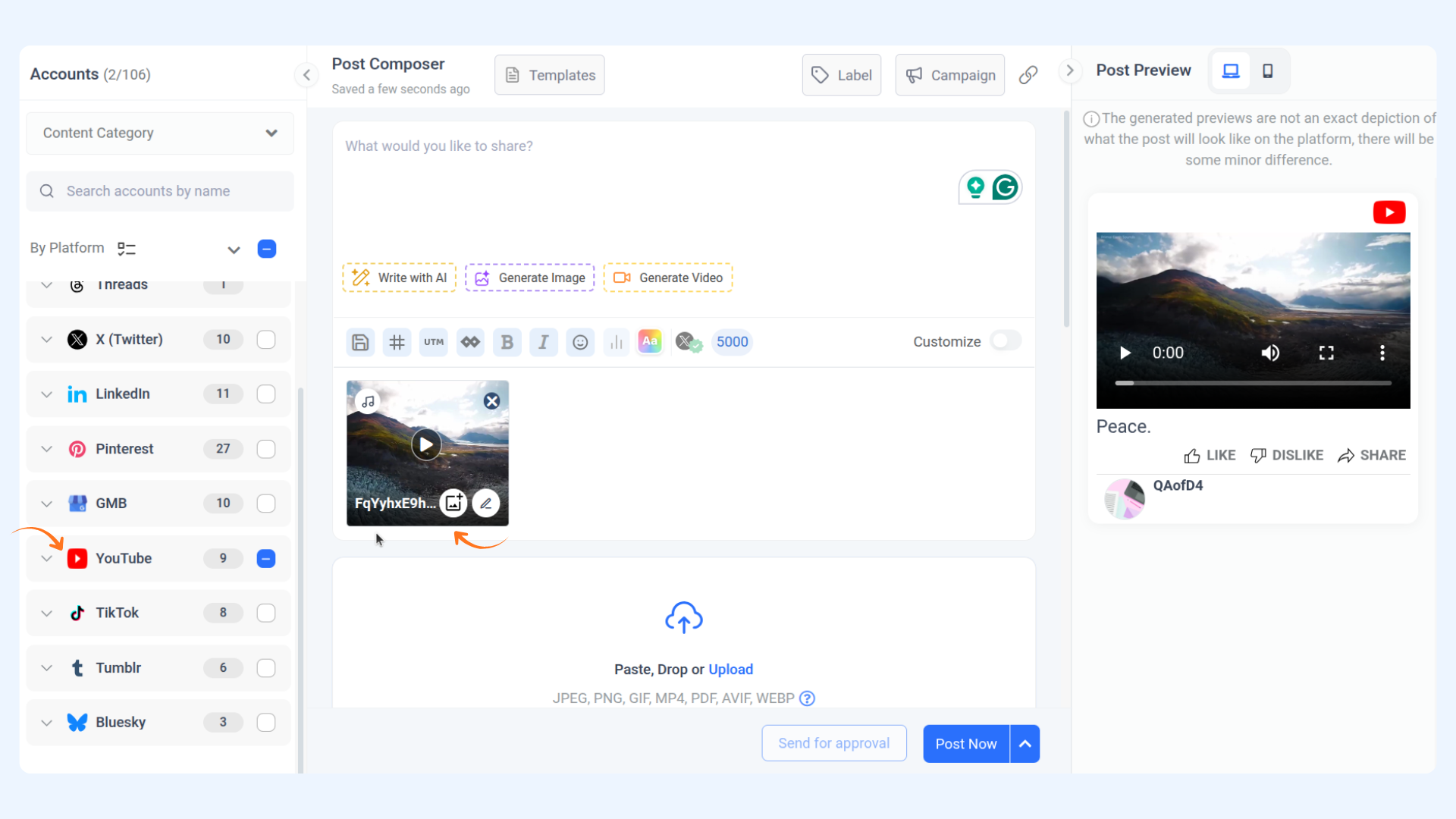
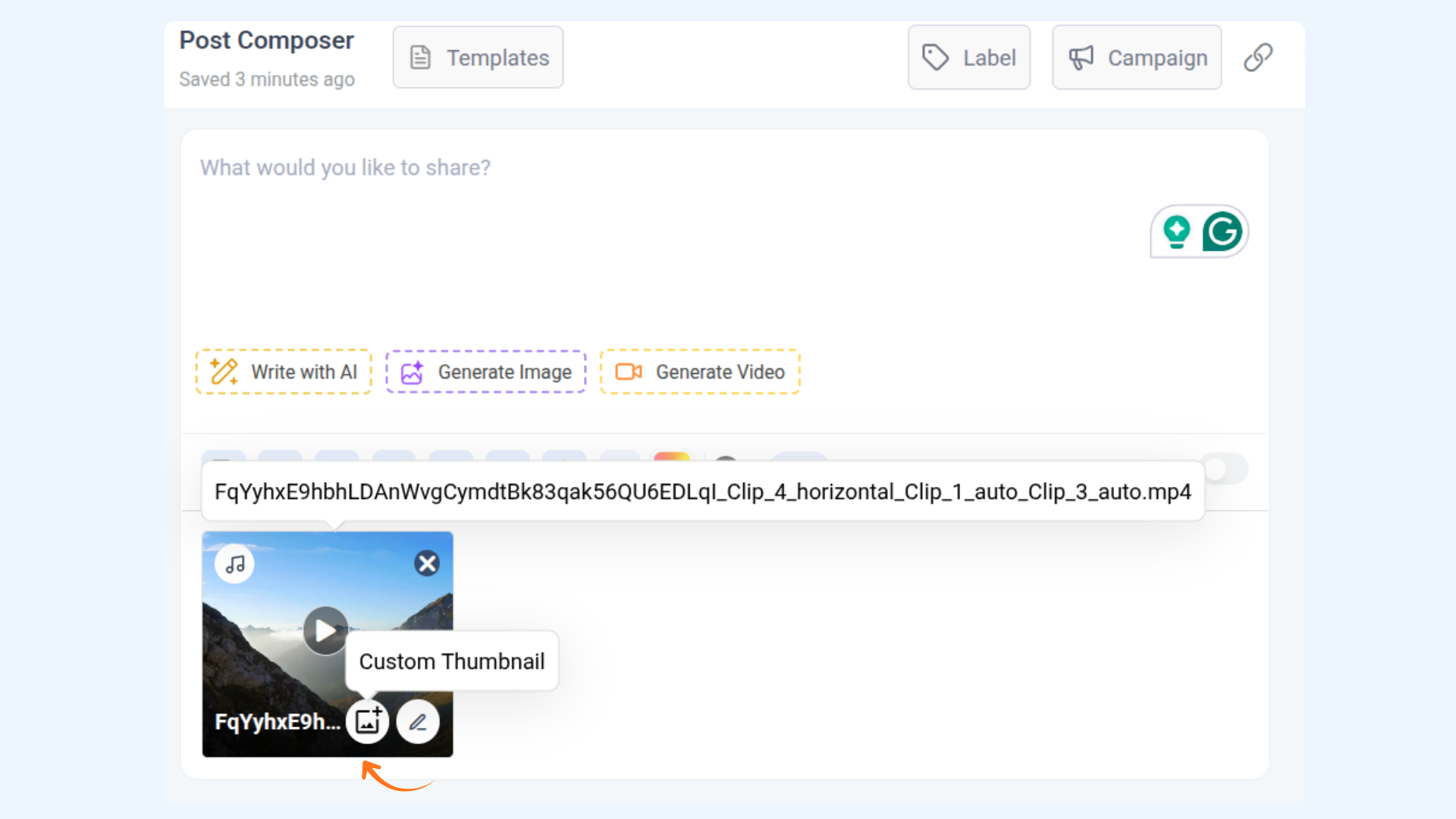
When uploading a video post in the Composer:
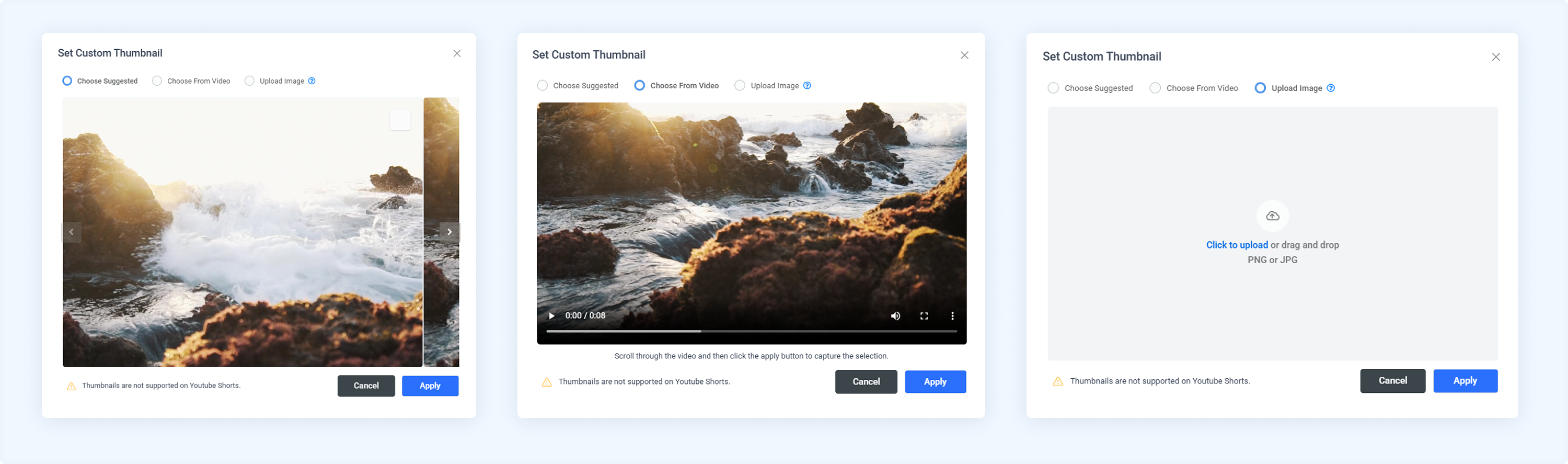
Thumbnail options by platform
FAQs
Q1. Can I upload a completely different image as a thumbnail?
A: Yes! Just use the "Upload Thumbnail" option after uploading your video.
Q2. What happens if I skip selecting a thumbnail?
A: The platform will automatically generate a thumbnail from a random video frame.
Was this article helpful?