

How to post a video to Google My Business
Google My Business (GMB) allows businesses to showcase videos directly on their profiles, helping attract and engage customers. With ContentStudio, you can seamlessly upload videos to your GMB account. Follow the steps below to publish a video post.
Let us get in! 👋
In this article:
Compose your post
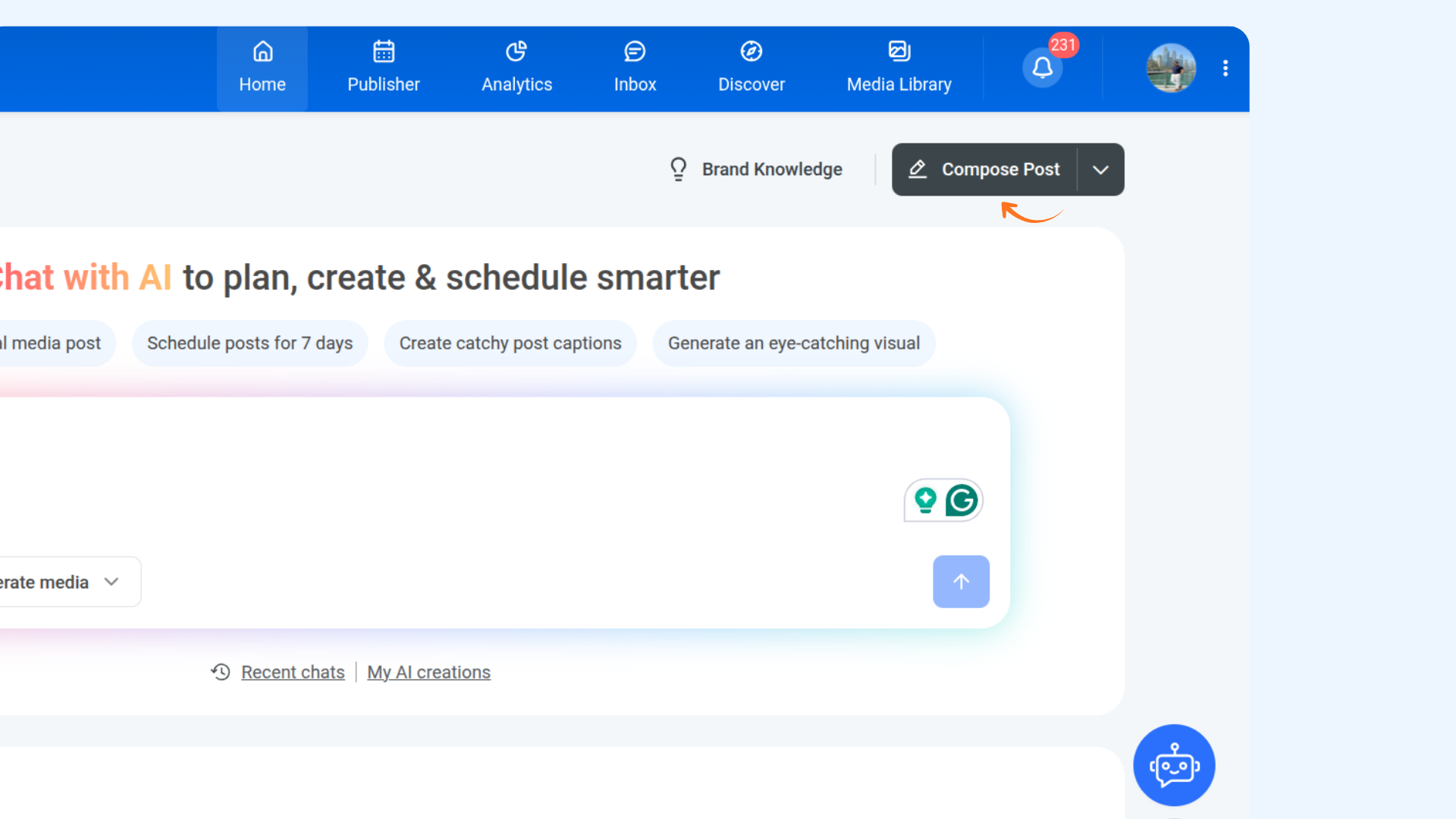
Go to Home → Compose.
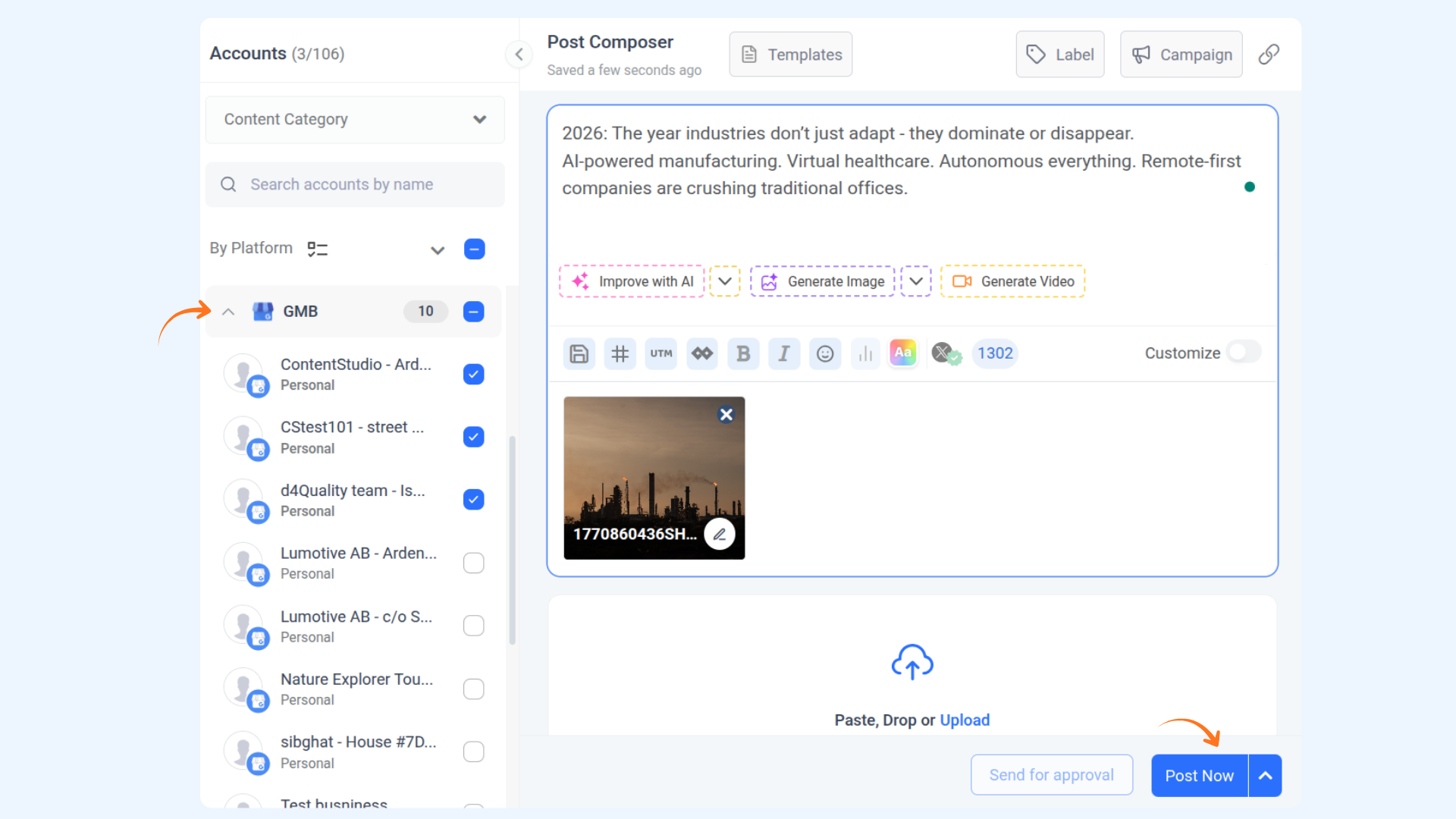
Choose your Google My Business account.
Click Add Video or select a video from your Media Library to upload.
Choose when you want to publish the post, then click Post Now to proceed.
FAQs
Q1: Can I add captions to GMB video posts?
No, captions cannot be added to GMB video posts. They are published as media uploads.
Q2: Can I include a Call to Action (CTA) in my GMB video posts?
No, CTAs are not supported for GMB video posts.
Was this article helpful?